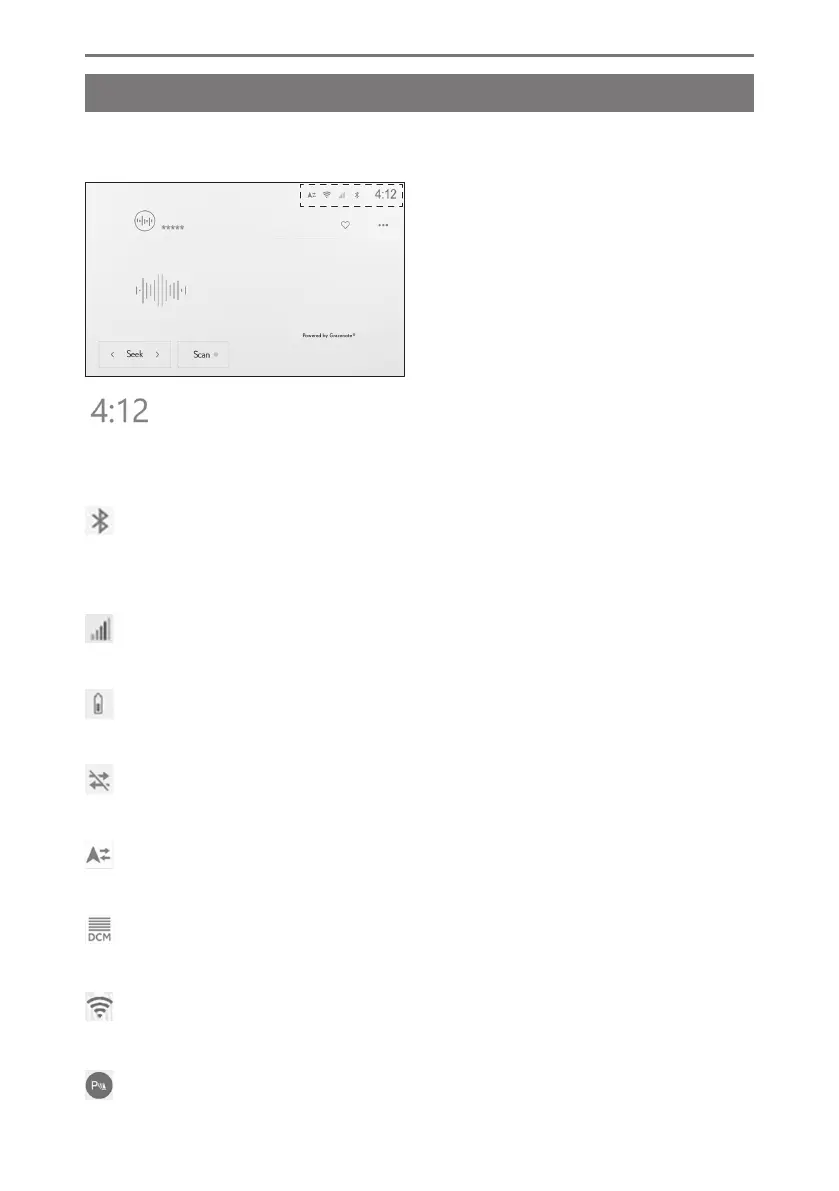
Status icons
The time and icons with information about communication statuses are displayed
at the top of the screen.
Displays the current time. Touching the clock displays the date and time settings
screen.
Displays the connection status of the cellular phone connected via Bluetooth
®
.
Touching the icon displays the Bluetooth
®
settings screen.
Displays the reception level of the connected cellular phone.
Displays the remaining battery charge of the connected cellular phone.
Displayed when data sharing with the Toyota Center Server is disabled.
Displays the status of sharing location data with the Toyota Center Server.
Displays the reception status of the Data Communication Module (DCM).
*1
Displays the Wi-Fi
®
reception level.
1-1. Basic operation of multimedia system
20













 To Next Page