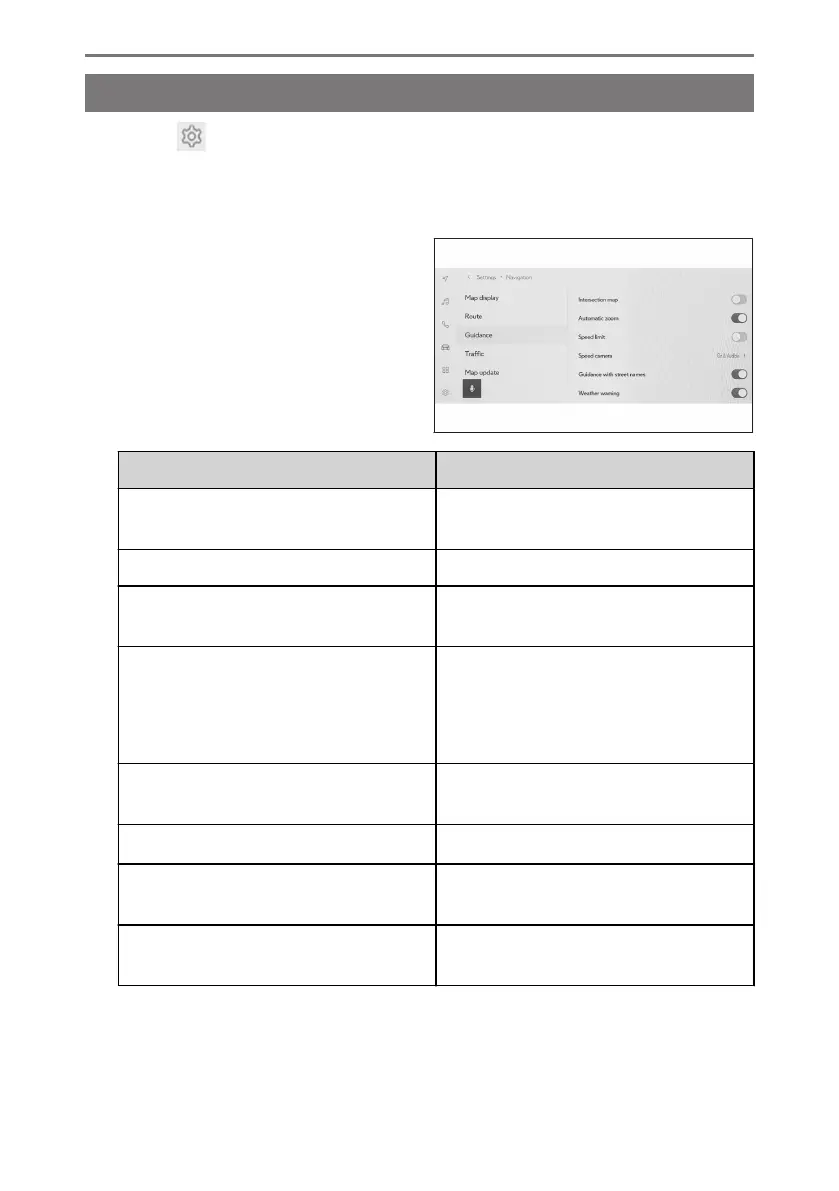
Guidance settings
1 Touch [ ] from the main menu.
2 Touch [Navigation].
3 Touch [Guidance].
4 Touch the desired item.
Setting Content
[Intersection map]
Touch to turn the enlarged intersection
display on/off.
[Automatic zoom] Touch to turn automatic zoom on/off.
[Speed limit]
*1
Touch to set speed limit information on/
off.
[Speed camera]
*1*2
Touch to change the speed cameras
icons display setting.
After touching [On], [On & Audible] or
[Off], touch [OK].
[Guidance with street names]
Touch to set the street name guidance
on/off.
[Weather warning]
*2*3
Touch to set the weather warning on/off.
[Traffic jam warning guidance]
Touch to turn traffic jam voice guidance
on/off.
[Landmark voice guidance]
*1
Touch to set the Landmark voice guid-
ance on/off.
2-8. Navigation Settings
88













 To Next Page