Map information
Displaying information for a point
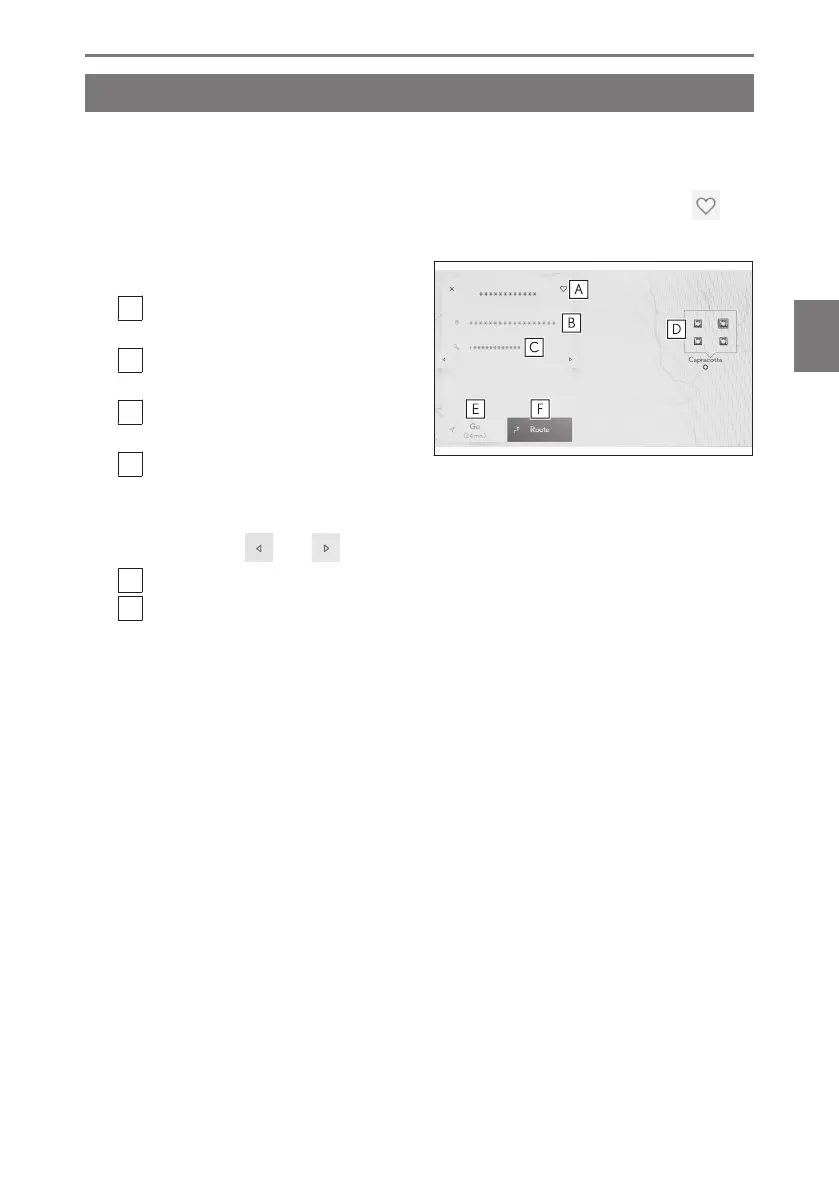
Information for a selected point or POI on the map screen can be checked.
1 Touch POI or touch and hold a desired point.
If a desired point is selected, the address for the point will be displayed. Touch [
] to
register the selected point as a favorite.
2 Touch the desired item.
A
Touch to register the point as a favor-
ite.
B
Displays detailed the address for the
selected point.
C
Touch to call the phone number reg-
istered to the POI.
D
If multiple POIs exist at the same
point, a list of POIs will be displayed.
Touch a POI to display its information. The displayed information can be changed
by touching [ ] or [ ].
E
Touch to set the point as a destination and start route guidance.
F
Touch to set the point as a destination and display the full route map screen. If
another destination has already been set, destinations can be added as waypoints.
4-2. Map information
147
4
Navigation













 To Next Page