Making calls from the message function
Hands-free calls can be made using the message function.
● Touch the blue number to make a call.
Consecutive numbers may be recognized as phone numbers. In addition, some phone
numbers, such as phone numbers from other countries, may not be recognized.
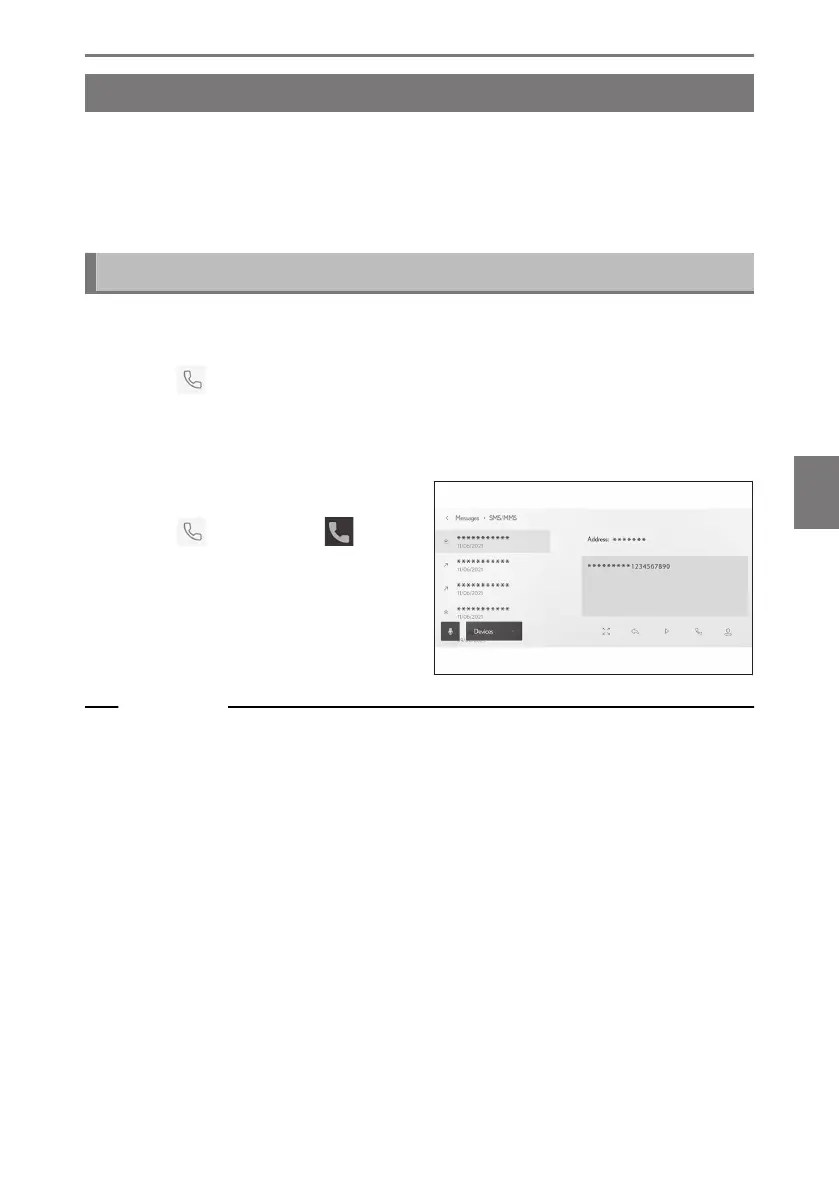
Making calls from the e-mail, SMS, or MMS message screen
E-mail, SMS, and MMS senders can be called. For e-mail, a phone number must
be registered in the same contact data.
1 Touch [
] from the main menu.
2 Touch [Messages] on the submenu.
3 Select an account.
4 Select the message sender.
5 Touch [
] or press the [ ] steer-
ing wheel switch.
Depending on the contact registration
status, the phone number must be select-
ed.
Related Links
Operating with the steering switches (Type A)(P. 224)
Operating with the steering switches (Type B)(P. 226)
6-8. How to use the message function
257
6
Hands-free calls













 To Next Page