Vehicle settings
Setting dealer information
*1
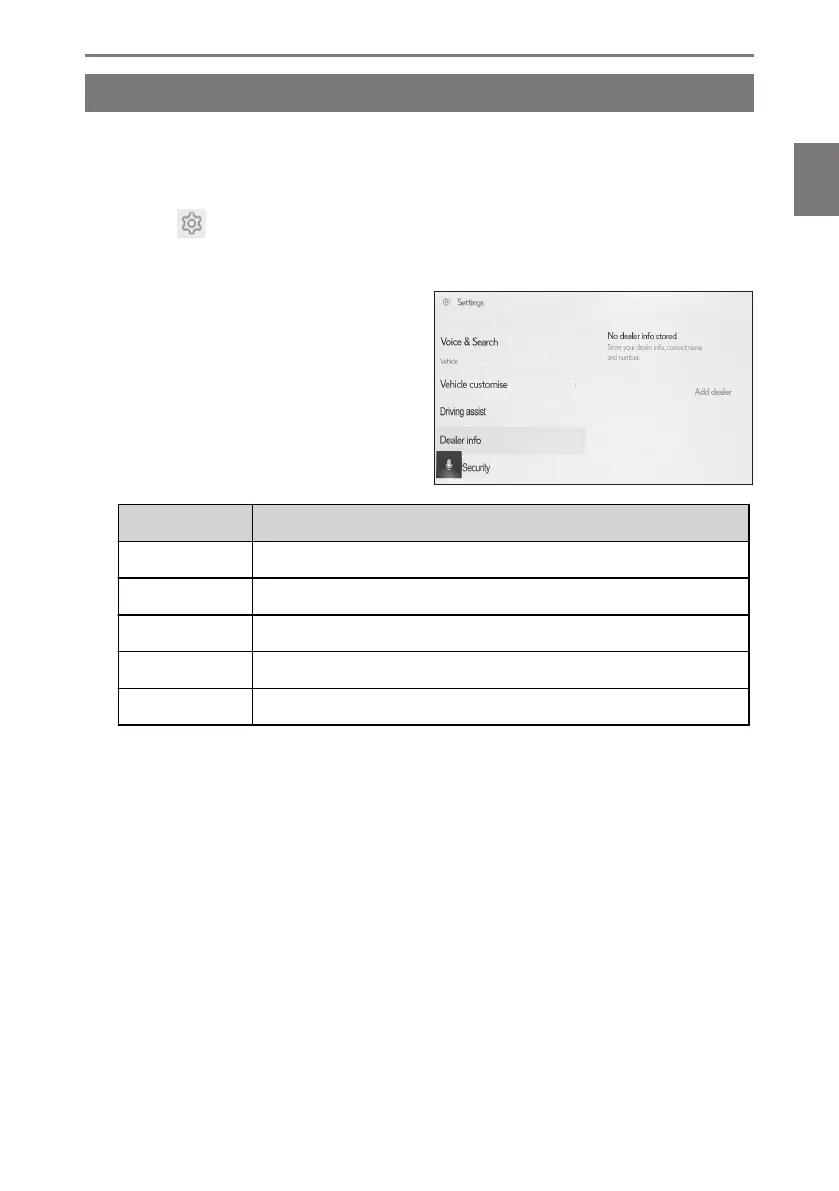
You can register and delete dealer information. Registering the information of the
dealer at which you get your vehicle serviced enables you to contact the dealer
from the settings screen when you want to reserve a service.
1
Touch [ ] from the main menu.
2 Touch [Dealer info] on the submenu.
3 Select the desired item.
Setting Description
[Add dealer] Register the desired dealer.
[Dealer name] Change the dealer name.
[Contact name] Register or change the name of the person in charge at the dealer.
[Phone number] Register or change the dealer phone number.
[Delete dealer] Delete the dealer information.
*1 : This function is not available in some countries or areas.
2-7. Vehicle settings
71
2
Settings and registration













 To Next Page