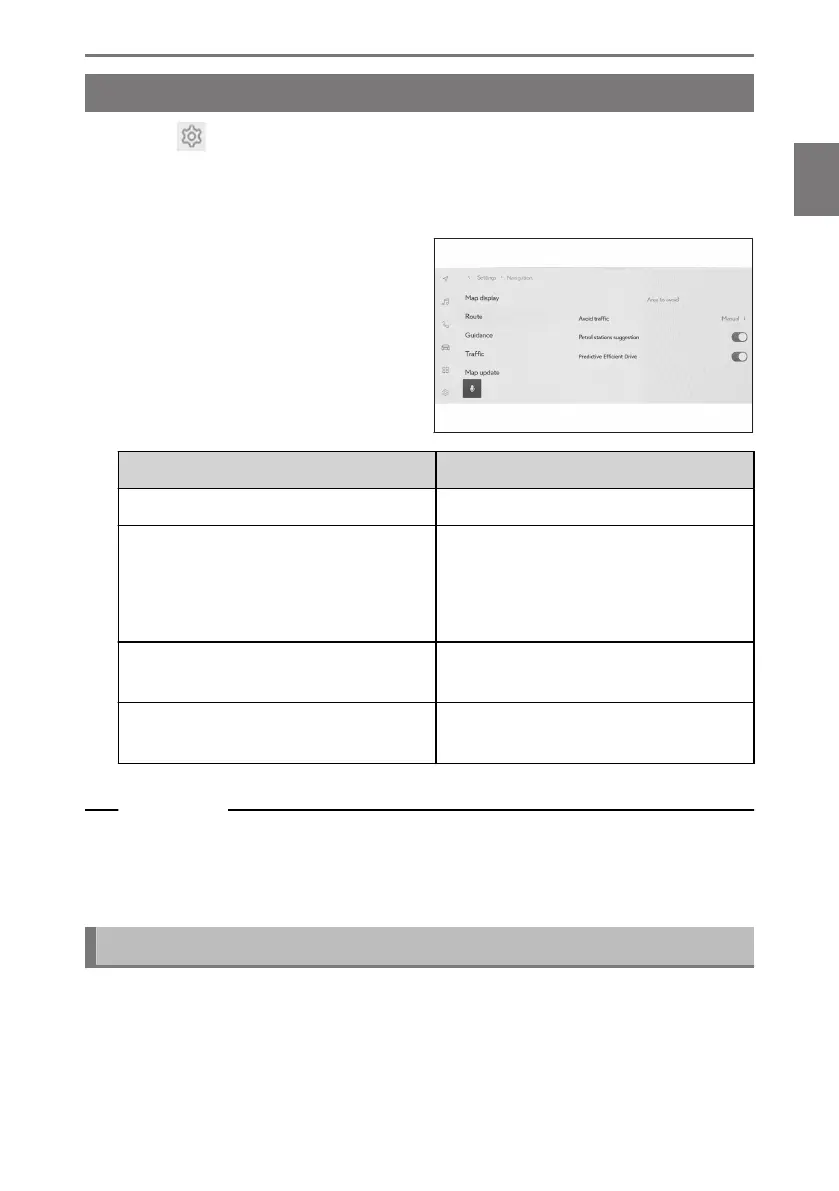
Route settings
1 Touch [ ] from the main menu.
2 Touch [Navigation].
3 Touch [Route].
4 Touch the desired item.
Setting Content
[Area to avoid] Touch to register and edit areas to avoid.
[Avoid traffic]
*1
Touch to change the avoid traffic function
setting.
After touching [Auto], [manual] or [off],
touch [OK].
[Petrol stations suggestion]
Automatic display of the fuel station list
can be turned on/off.
[Predictive Efficient Drive]
*1*2
Touch to turn predictive efficient drive
on/off.
Related Links
Areas to avoid settings(P. 83)
Search result list screen(P. 160)
Full route map screen(P. 164)
Areas to avoid settings
If an area is known to have road construction, is closed, or frequently has traffic
jams, it can be registered as an area to avoid, and routes which avoid this area will
be searched for.
*1 : This function is not made available in some countries or areas.
*2 : Vehicles with hybrid system
2-8. Navigation Settings
83
2
Settings and registration













 To Next Page