Searching for information using the keyboard
Various information can be searched by using the keyboard.
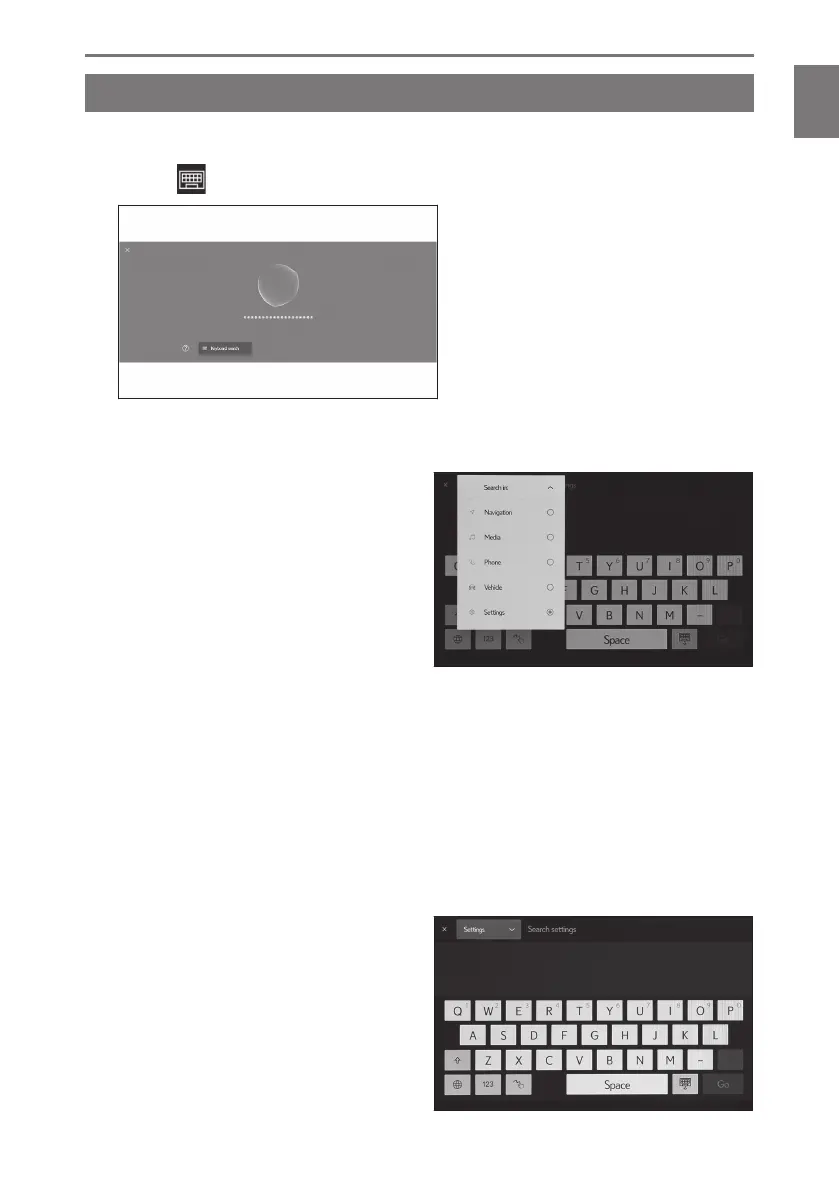
1 Touch [ ].
If search history exists, the history screen will appear, enabling you to select from the
history.
2 Select the category that you want to
search.
[Navigation] : Enter an address,
facility name, phone number, area,
road name, intersection, POI catego-
ry, etc.
[Media] : Enter an album, artist, song
name, playlist, genre, radio station,
etc.
[Phone] : Enter a name, phone number, or something else registered in the
phone book.
[Vehicle] : Enter fuel consumption or other vehicle information that you want
to display.
[Settings] : Enter the setting that you want to configure, such as audio, and
phone.
3 Enter the search keyword and touch
[Go].
1-4. Voice control system
49
1
Basic operation













 To Next Page