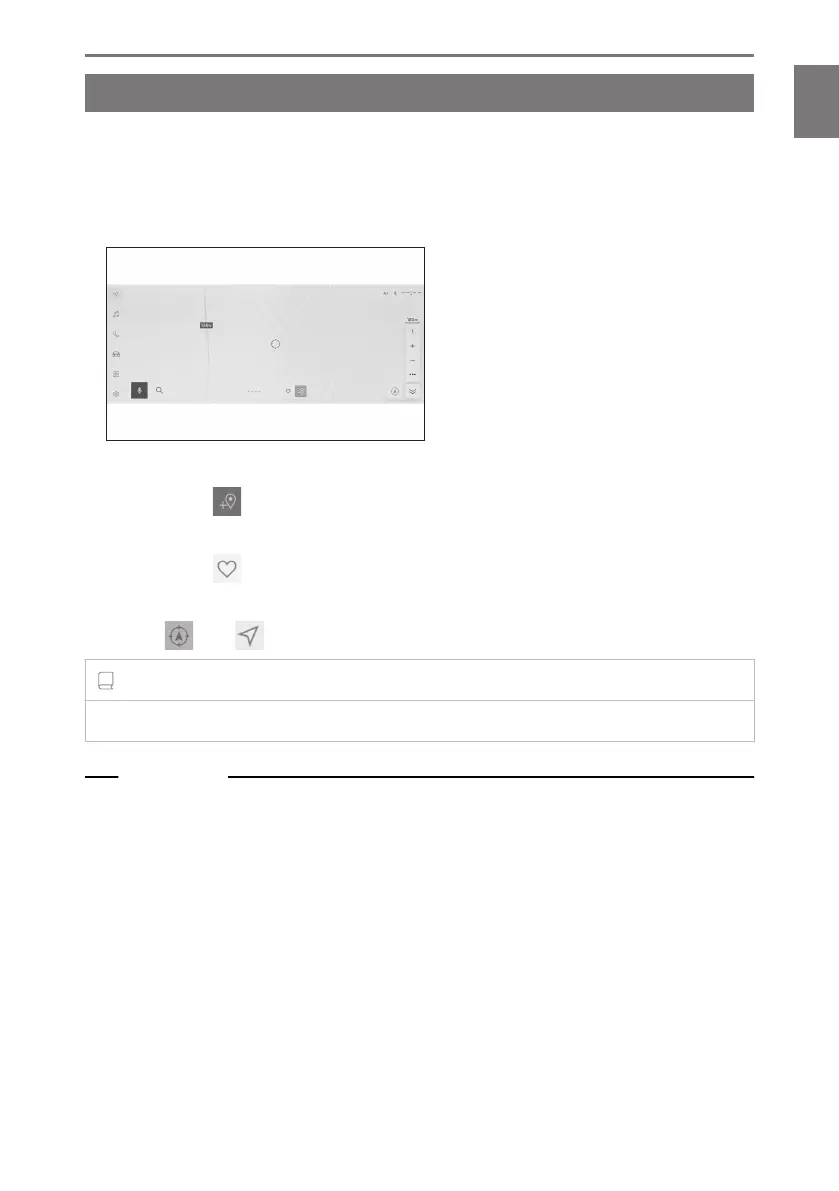
Moving the map
The map can be moved and a touched point can be set as the center of the map
screen.
Touch a point on the map.
● The center of the map screen will be moved to the touched point.
●
If information is available for a POI, it will be displayed when touched.
●
By touching [
] after scrolling the map to any point, the point can be set as a
new destination or waypoint.
● By touching [ ] after scrolling the map to any point, the point can be set as a
favorite.
● Touch [ ] or [ ] to return to the vehicle’s current position.
INFORMATION
The map can be scrolled by touching and dragging or flicking the screen.
Related Links
Operating the touch screen(P. 22)
Changing the orientation of the map(P. 32)
Displaying information for a point(P. 147)
1-2. Basic operation of navigation system
33
1
Basic operation













 To Next Page