Registering favorites
Frequently used contact data can be registered in favorites.
To use this function, set [Sync contacts] to off.
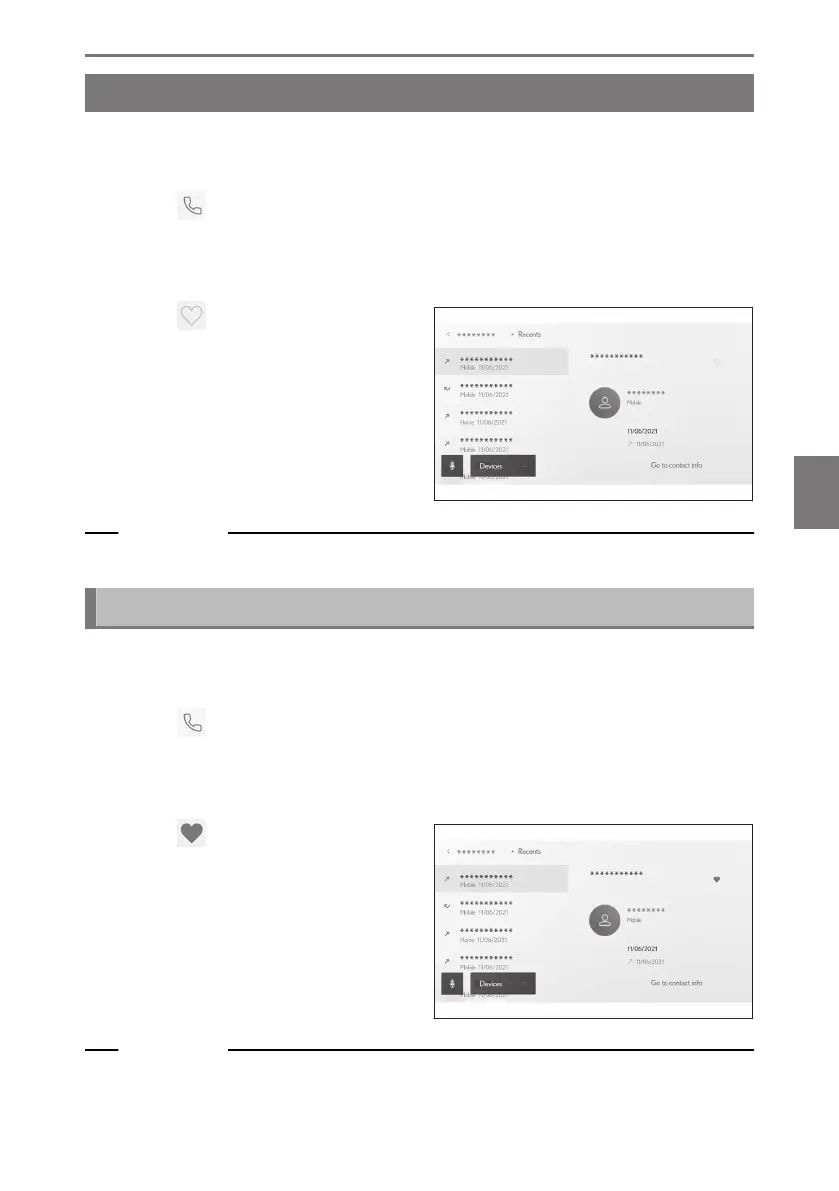
1 Touch [ ] from the main menu.
2 Touch [Contacts] or [Recents] on the submenu.
3 Select the data you want to register.
4 Touch [
] for the data item to be
registered.
Related Links
Setting Bluetooth
®
devices(P. 103)
Deleting favorites
Registered favorites can be deleted.
To use this function, set [Sync contacts] to off.
1 Touch [
] from the main menu.
2 Touch [Favourites], [Contacts], or [Recents] on the submenu.
3 Select the data you want to delete.
4 Touch [
] for the data item to be
deleted.
Related Links
Setting Bluetooth
®
devices(P. 103)
6-7. Editing contact data
251
6
Hands-free calls













 To Next Page