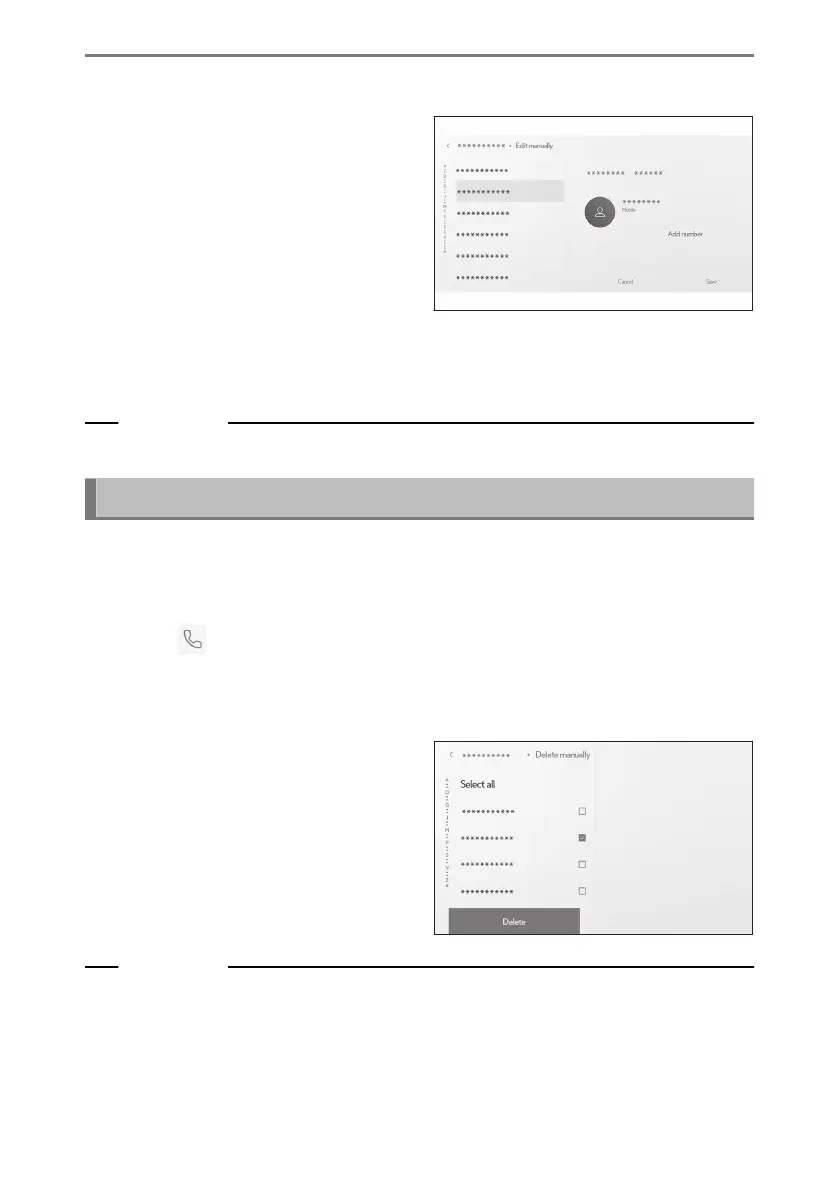
4 Select the contact you want to modify.
5 Select and enter each item.
● Touch [Add number] to set additional
phone numbers.
● Touch the type (such as home or
cellular) below the phone number to
choose the phone type (such as home
or cellular) of the phone number.
6 Touch [Save].
An item cannot be registered unless a name and phone number have been entered.
Related Links
Setting Bluetooth
®
devices(P. 103)
Deleting data in contacts
Contact data that has already been registered can be deleted.
If [Sync contacts] is set to on, multimedia system contacts cannot be deleted. Set
[Sync contacts] to off before doing this.
1 Touch [
] from the main menu.
2 Touch [Update contacts] on the submenu.
3 Touch [Delete manually].
4 Select the data you want to delete.
5 Touch [Delete] from the bottom of
the submenu.
Related Links
Setting Bluetooth
®
devices(P. 103)
6-7. Editing contact data
250













 To Next Page