Destination search operation
Searching for a destination
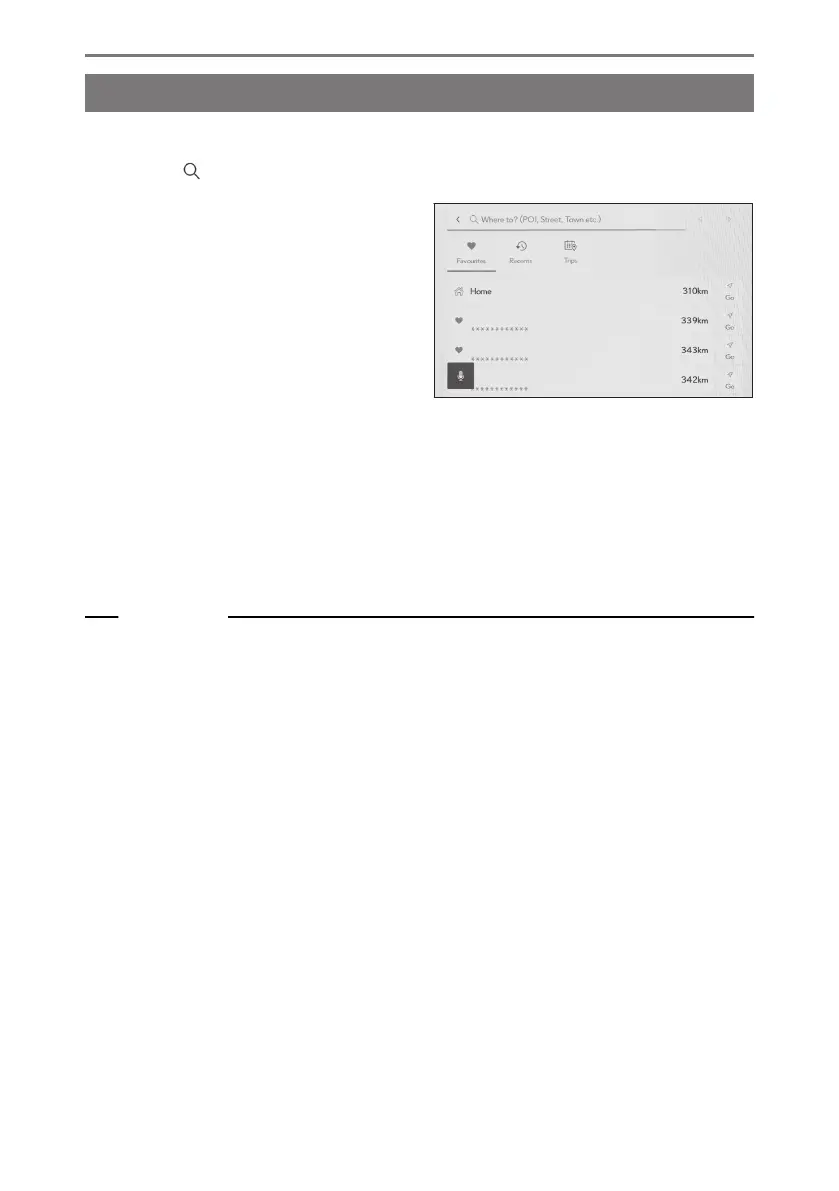
A destination can be searched for and set on the destination search screen.
1 Touch [ ] on the map screen.
2 The destination search screen will be
displayed. Touch the desired search
method.
3 The search result list screen is displayed. Touch the item you want to set as the
destination from the list.
● If a destination has already been set, touch [New destination](set a new destination)
or [Add to route].
● When using Connected navigation, destinations can also be searched for using
content on the cloud.
Related Links
Editing waypoints(P. 170)
Searching for information using the keyboard(P. 49)
4-3. Destination search operation
156













 To Next Page