Adjusting the sound of each source
Adjusts the sound quality and volume balance of each source.
1 Touch [ ] from the main menu.
2 Touch [Sources].
3 Touch the source of the sound to be adjusted.
4 Touch [
].
5 Touch [Sound].
May not be displayed depending on the source.
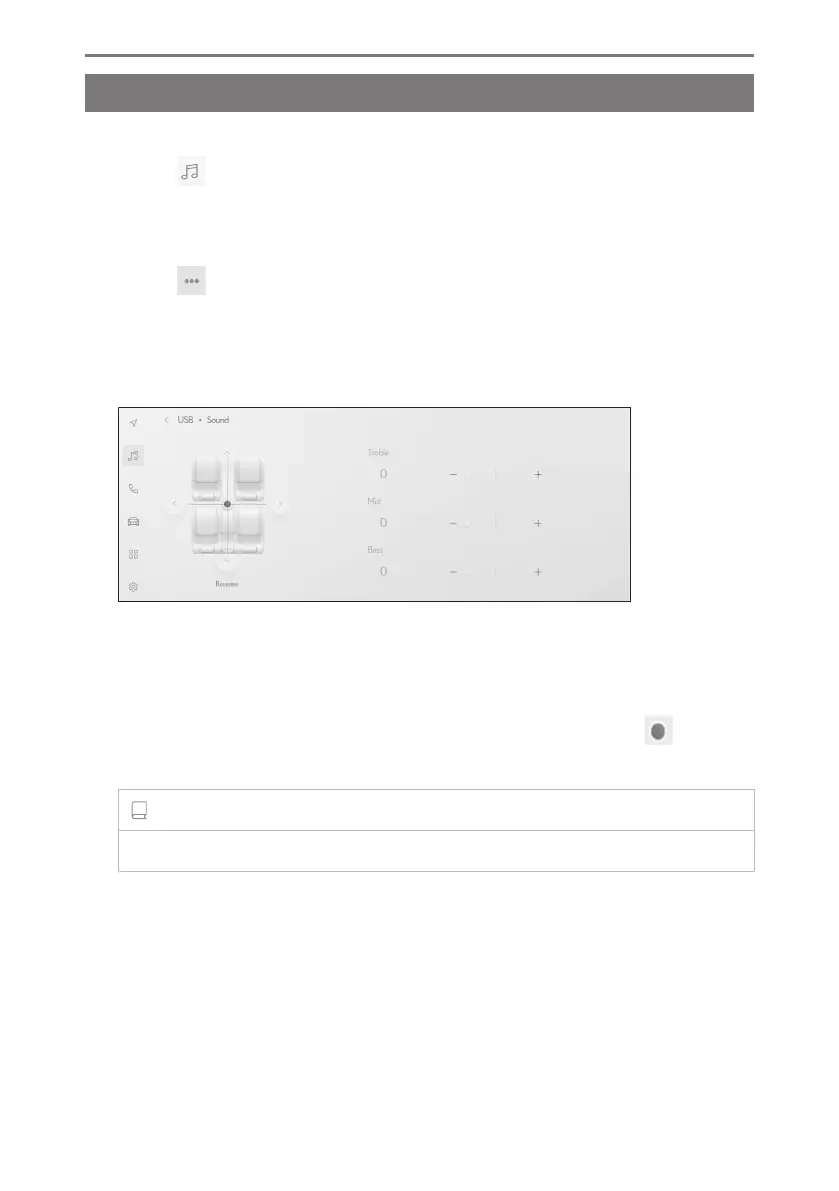
6 Set each item.
"Treble" : Adjusts the level of the treble.
"Mid" : Adjusts the level of the midrange.
"Bass" : Adjusts the level of the bass.
Fader and balance : Adjust the fader and balance by moving the [
].
Touch [Recentre] to return to the center.
INFORMATION
Adjust the Treble, Mid, and Bass settings independently for each source.
2-9. Sound and media settings
100













 To Next Page