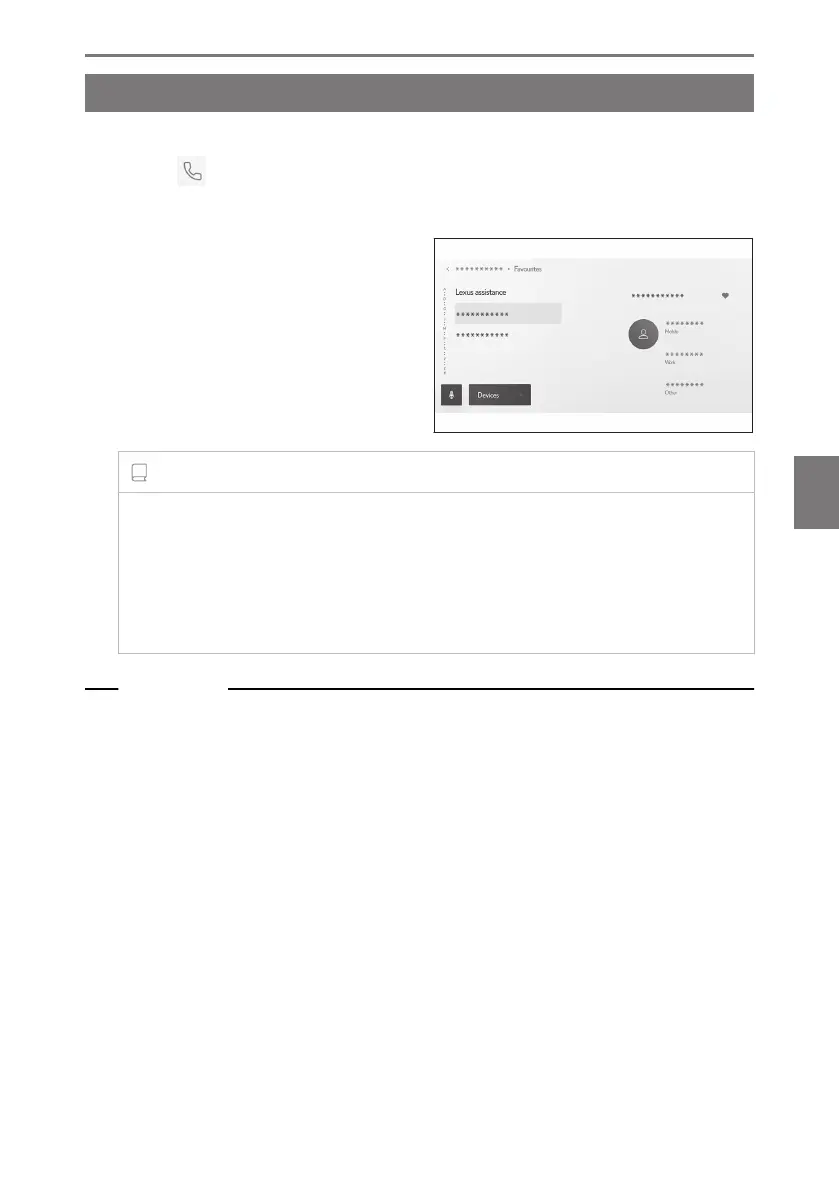
Making calls from the favorites list
Make a call from your favorites list by adding your contacts to your favorites.
1 Touch [ ] from the main menu.
2 Touch [Favourites] on the submenu.
3 Select the person you want to call
from your favorites list.
4 Touch the desired phone number.
INFORMATION
● When [Sync contacts] is ON, cellular phone favorites are automatically transfer-
red to the multimedia system.
● Depending on the cellular phone model, favorites cannot be transferred.
● The favorites data can also be registered from the data registered in contacts on
the multimedia system.
Related Links
Transferring contact data(P. 245)
6-3. How to make calls
229
6
Hands-free calls













 To Next Page