Other settings
1 Touch [ ] from the main menu.
2 Touch [Navigation].
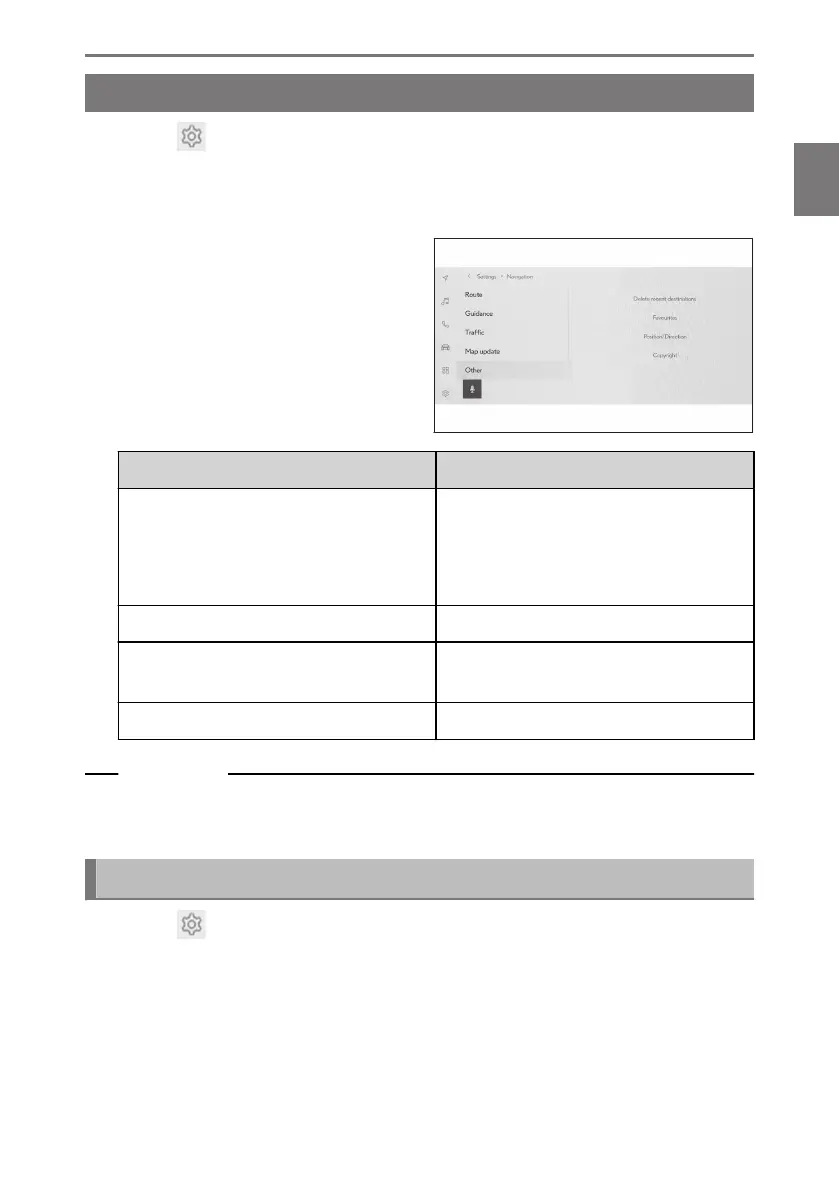
3 Touch [Other].
4 Touch the desired item.
Setting Content
[Delete recent destinations]
Touch delete the destination history.
After touching the destinations you wish
to delete, touch [OK]. To delete all,
touch[Delete all], and then touch [OK].
[Favorites] Touch to edit favorites.
[Position/Direction]
Touch to correct the position of your ve-
hicle.
[Copyright] Touch to display the copyright.
Related Links
Favorites settings(P. 91)
Position/Direction calibration(P. 94)
Favorites settings
1 Touch [ ] from the main menu.
2 Touch [Navigation].
3 Touch [Other].
4 Touch [Favourites].
2-8. Navigation Settings
91
2
Settings and registration













 To Next Page