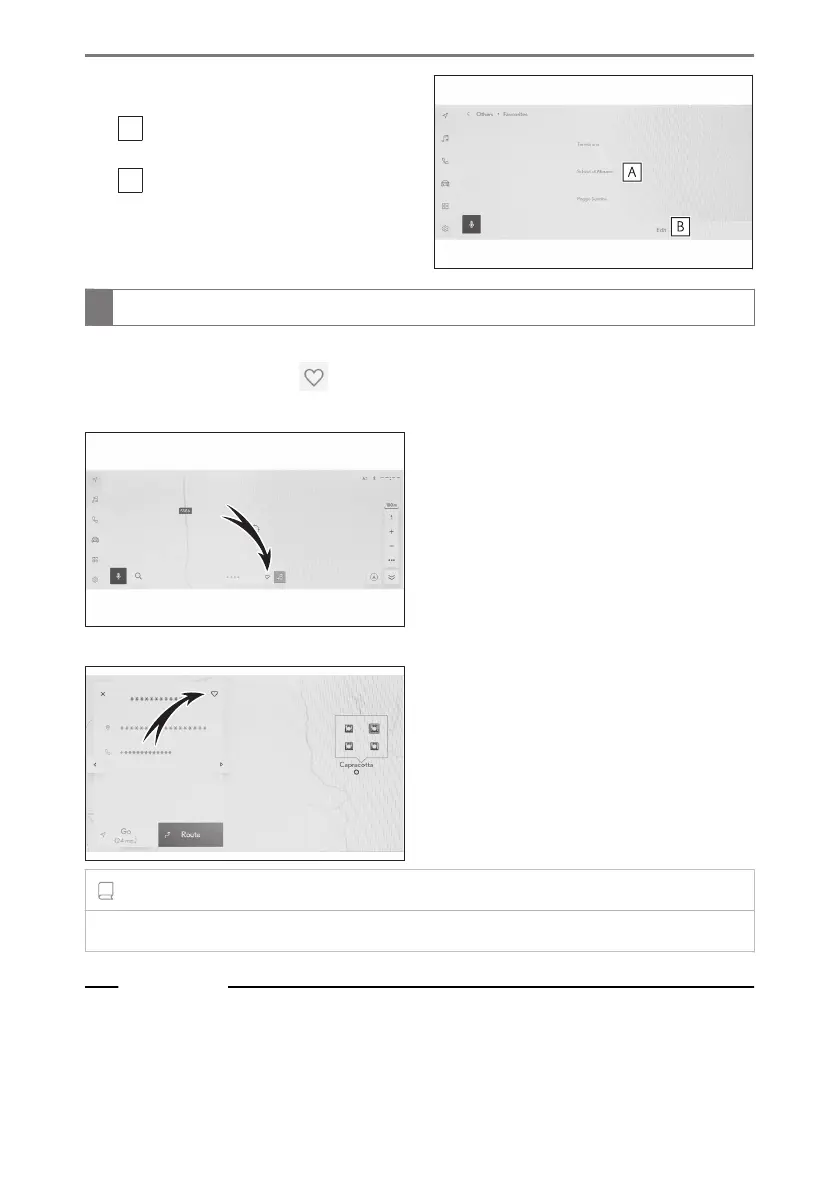
5 Touch the desired item.
A
Displays a list of registered favorites.
Touch to edit the touched favorite.
B
Touch to delete a registered favor-
ites.
Registering favorites
To register a point as a favorite, when the information screen for a point is displayed
on the map screen, touch [
] to register the point.
▶ When the map is scrolled
▶ Information screen for a point
INFORMATION
Up to 400 items can be saved in the favorites.
Related Links
Displaying information for a point(P. 147)
Full route map screen(P. 164)
2-8. Navigation Settings
92













 To Next Page