Editing favorites list
1 Touch [ ] from the main menu.
2 Touch [Navigation].
3 Touch [Other].
4 Touch [Favourites].
5 Touch the favorite you wish to edit.
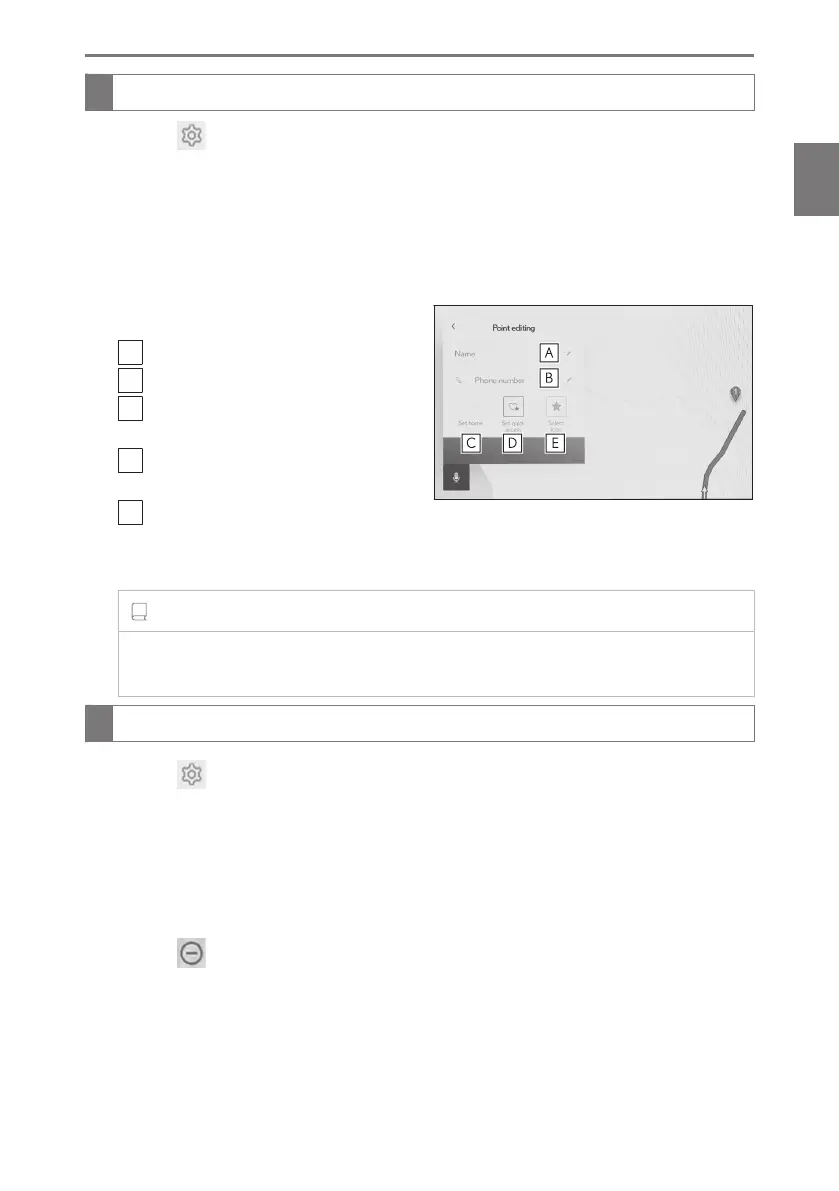
6 Touch the desired item.
A
Edit your favorite name.
B
Edit the phone number.
C
Touch to register the current point as
home.
D
Touch to register the current point as
a frequently visited point.
E
Change the icon displayed on the
map.
7 Touch [OK].
INFORMATION
When a frequently visited point is registered, it will be displayed at the top of the
favorites list when setting a destination.
Deleting favorite
1 Touch [ ] from the main menu.
2 Touch [Navigation].
3 Touch [Other].
4 Touch [Favourites].
5 Touch [Edit].
6 Touch [
] of the favorite you wish to delete.
● [Del. All]:Delete all favorites.
● [Cancel]:Cancel deletion of favorites.
7 Touch [OK].
2-8. Navigation Settings
93
2
Settings and registration













 To Next Page