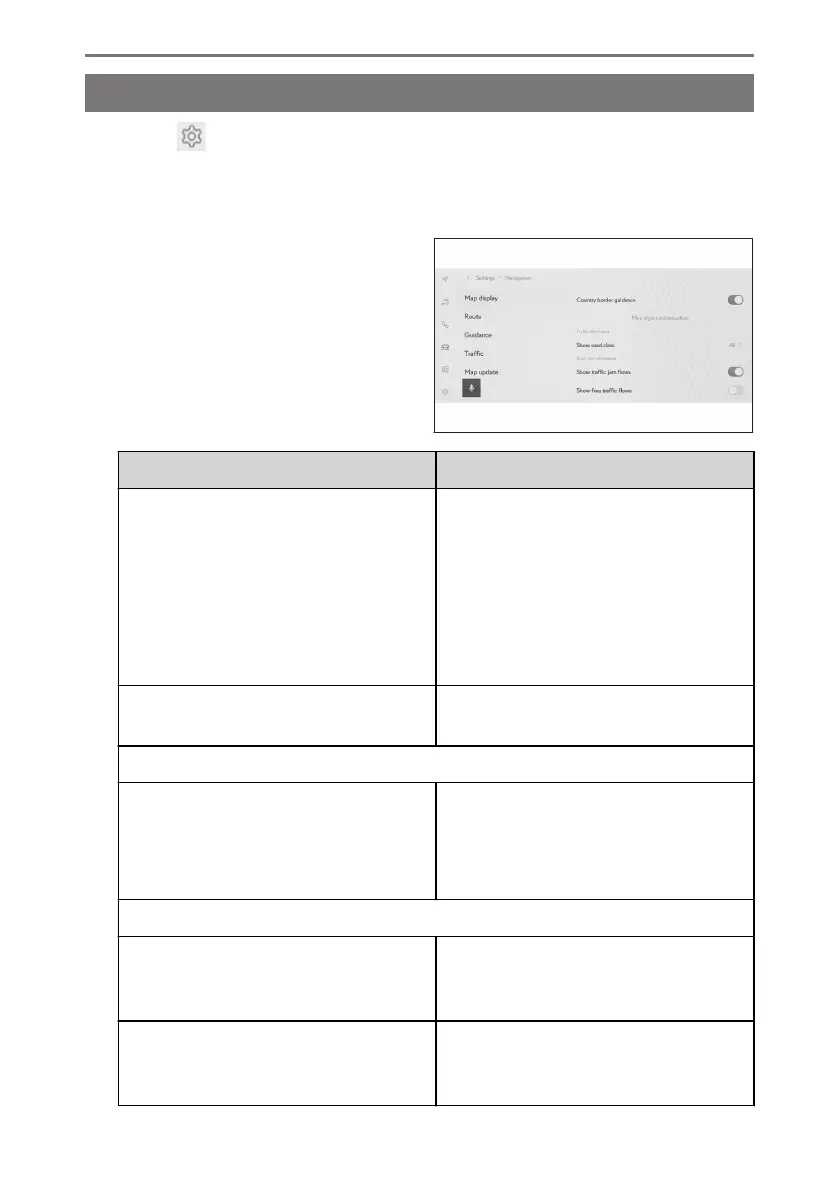
Changing the map display settings
1 Touch [ ] from the main menu.
2 Touch [Navigation].
3 Touch [Map display].
4 Touch the desired item.
Setting Content
[Country border guidance]
*1
Touch to turn the country border guid-
ance setting on/off.
When set to on, voice guidance will be
output when crossing country borders.
In addition, information on speed limits
and driving regulations for that country is
displayed.
[Map style customisation]
Touch to change the map display custom-
ization settings.
"Traffic information"
[Show road class]
Touch to change the traffic information
display range setting.
After touching a desired road type, touch
[OK].
"Real-time information"
[Show traffic jam flows]
Touch to turn the display of congestion
and traffic jams, based on current infor-
mation, on/off.
[Show free traffic flows]
Touch to turn the display of free flowing
roads, based on current information, on/
off.
2-8. Navigation Settings
80













 To Next Page