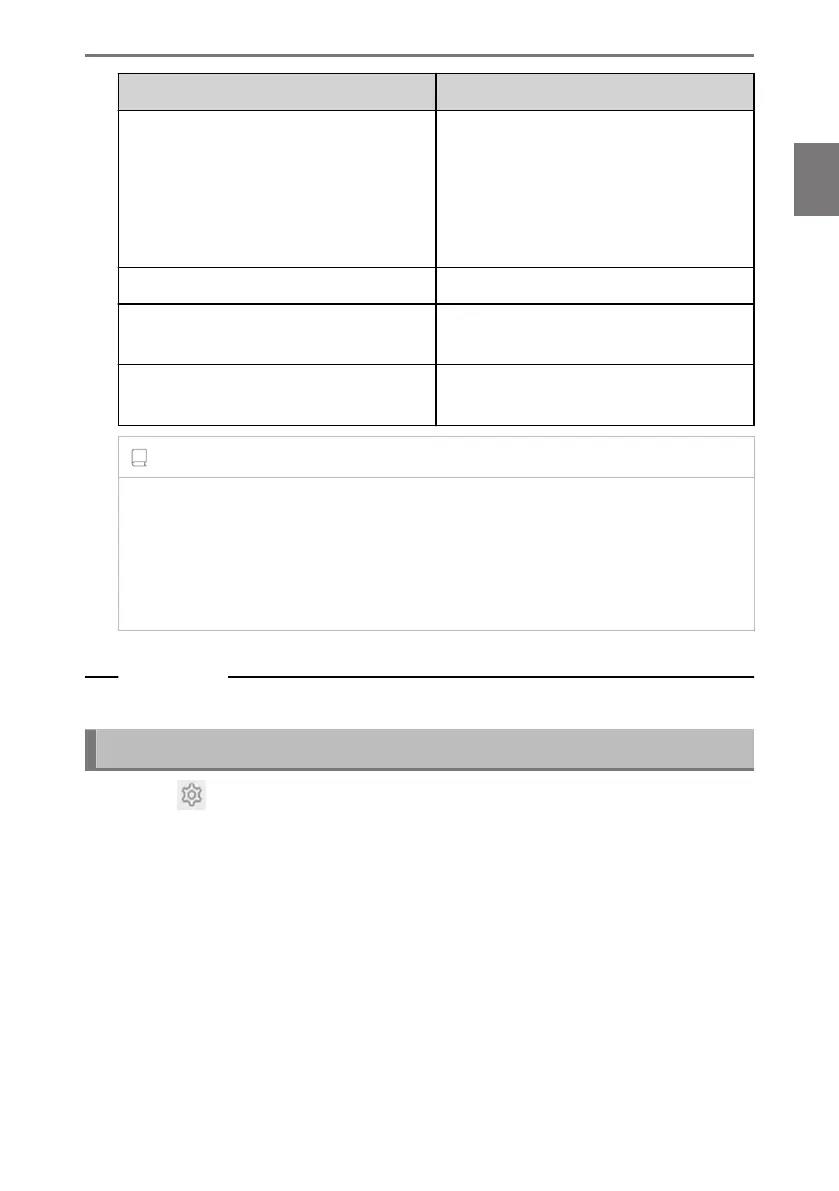
Setting Description
[Security lock]
Enable the password-protected securi-
ty lock to protect personal information.
When set ON, entering the password
will be required when the 12-volt battery
is replaced or the multimedia system is
removed from the vehicle.
[Reset security lock password] Reset the set security lock password.
[Remote security]
*1
The operating status of Remote security
is displayed.
[System reset]
Reset all of the system’s data and restore
the settings to the factory defaults.
INFORMATION
● Communication may be cut off after resetting the system. In that case, restart the
system.
● After initializing all the information, all the data in the multimedia system will be
initialized and returned to the factory default. It cannot be returned to the state
before initialization.
Related Links
Restarting the system(P. 15)
Setting up the security lock
1 Touch [ ] from the main menu.
2 Touch [Info & Security] on the submenu.
3 Touch [Security lock].
4 Touch [OK].
5 Set a password that contains between 4 and 15 alphanumeric characters.
6 Reenter your password.
A message will appear and the security lock is enabled.
*1 : This function is not available in some countries or areas.
2-7. Vehicle settings
73
2
Settings and registration













 To Next Page