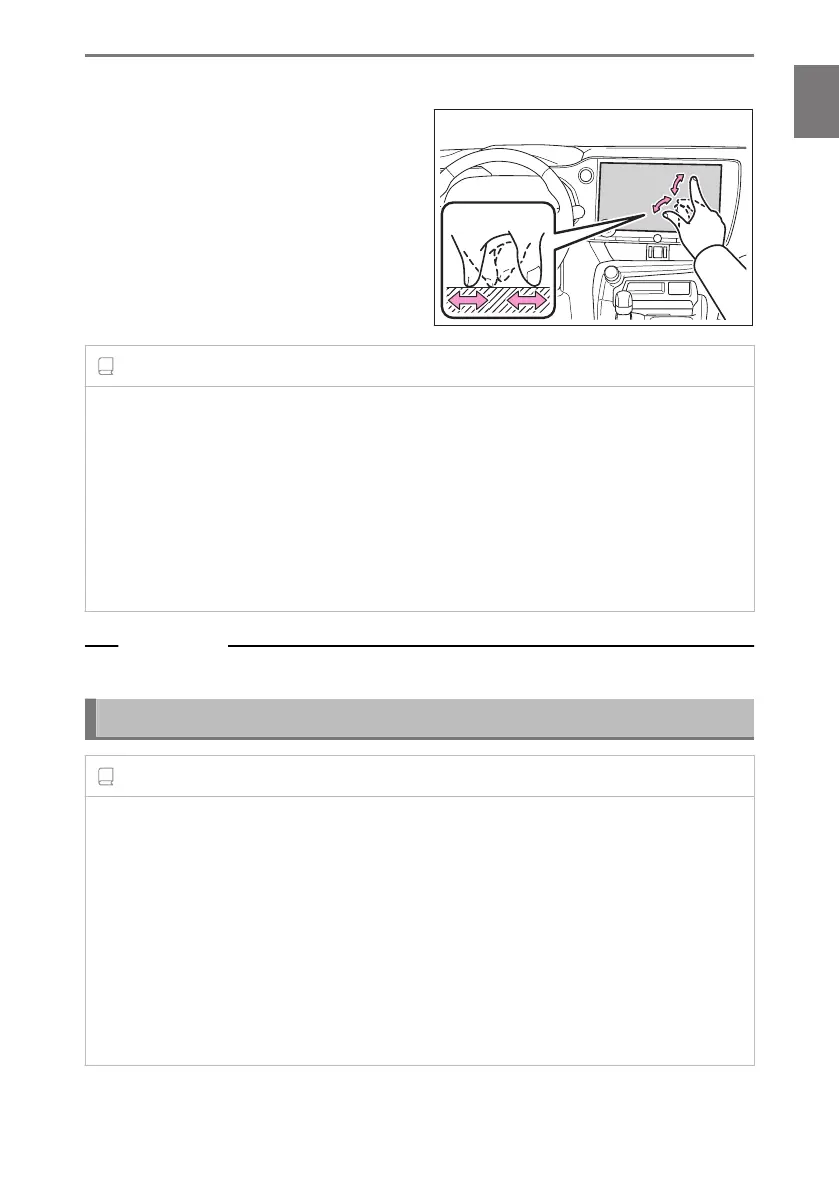
■ Pinch in/pinch out
Move two fingers in and out while touch-
ing the screen. You can zoom in and out
on maps.
INFORMATION
● In order to operate some functions, it may be necessary to touch and hold or double
tap (touch 2 times quickly) the screen.
● The sensitivity level when touching the screen can be changed.
● Response sound output either ON/OFF when the screen switch is touched can be
changed.
● Flick operations may not work smoothly in high altitude areas.
● Operation of the screen is restricted while driving.
Related Links
Changing general multimedia system settings(P. 64)
Notes for operating the touch screen
INFORMATION
● If there is no response from the buttons on the screen, take your finger off the screen
and try again.
● In the following situations, the screen buttons may not respond or malfunction:
• If a glove is worn
• If the screen is operated with a fingernail
• If the screen is being touched with another finger or palm at the same time
• Dirt or water is on the screen
• If a plastic film or coating is on the screen
1-1. Basic operation of multimedia system
23
1
Basic operation













 To Next Page