L-DALI User Manual 161 LOYTEC
Version 5.2 LOYTEC electronics GmbH
saving the standby energy consumed by the ballasts, by switching off the ballast
mains when all ballasts on a channel are off. For further details see Section 8.4.7.
The Export and Import buttons on the right side allow exporting and importing
the DALI configuration of the selected channel to/from an XML file. This includes
DALI device assignment, device names, group assignment, group names, and the
channel configuration.
If you are online the following additional functions are available:
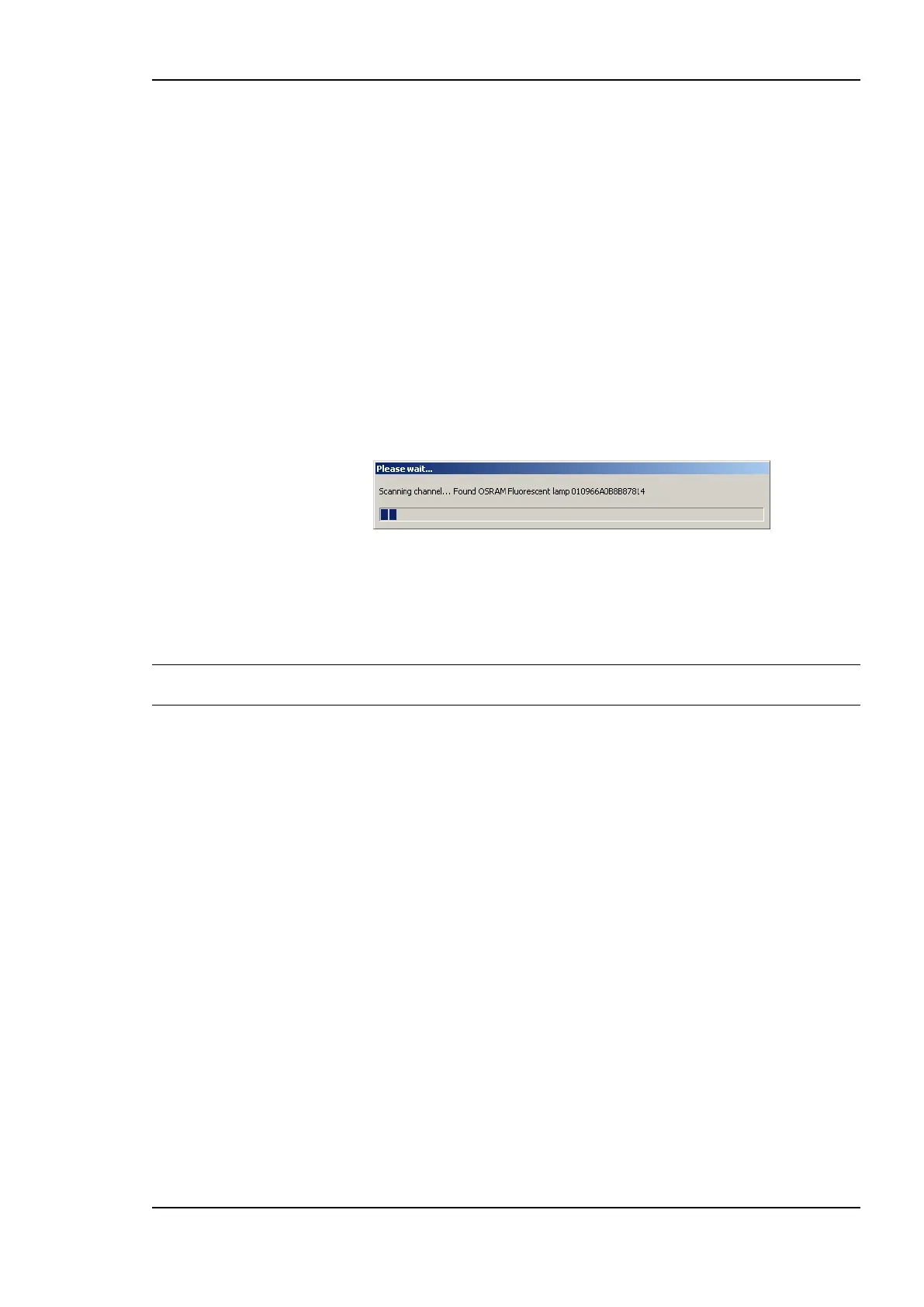
The Scan Channel button starts a scan of the DALI channel. When pressing the
button a window showing the scan progress will be shown (see Figure 150). After
the scan the devices found will be listed in the DALI network scan results section
(number 3 in Figure 149) of the DALI Installation tab.
Pressing the Reset button will clear the DALI configuration of the selected channel
including all DALI device assignments, device names, group assignment, group
names, and the channel configuration. If on-line it will also reset all DALI devices
on the channel to factory defaults.
Figure 150: DALI channel scan progress.
The Automatic Status check box allows enabling and disabling the periodic
update of the status of the devices in the DALI network database. Pressing Get
Status allows updating the device status manually if automatic status update is
disabled.
Note: If there is no IP connection available, disable automatic status update in case there is no
need to monitor the status of DALI devices as the status update uses network bandwidth.
7.5.1.2 DALI Network Database Section
This section allows naming DALI devices (ballasts, sensors, and buttons) and assigning
them to the Lamp Actuator, Light/Occupancy Sensor, and Button objects (see Section 8.2
and 8.3). Optionally the DALI device type can be configured for unassigned ballasts and
buttons. The upper table contains 64 entries, one for each Lamp Actuator of the channel, the
middle table contains 16 entries, one for each Light and Occupancy Sensor of the channel,
and the lower table contains 64 entries, one for each Button object of the channel.
For each entry the tables contain the following columns:
Lamp/Sensor/Button name: Contains the name of the DALI device. Double click
on the name to modify it. The name should be chosen in a way which allows
identifying the lamp (e.g. room number/ballast number). This is specifically
important in off-line work flow (see Section 7.2.3) for the installer to pick the
correct lamp during the final on-line phase and to identify a lamp if it reports an
error.
Type: Show the type and optionally the make of the DALI ballast, sensor, or
button assigned. For assigned and online ballasts this information is read from the
ballast. In case of unassigned ballasts and buttons, the DALI device type can be
chosen using a drop-down box or Set device type… from the context menu (can
be used with multi-select). Selecting the device type allows to configure DALI
device type specific parameters during off-line preparation including the button
functions. Further, this information is used during device assignment when on-line



 To Next Page