L-DALI User Manual 385 LOYTEC
Version 5.2 LOYTEC electronics GmbH
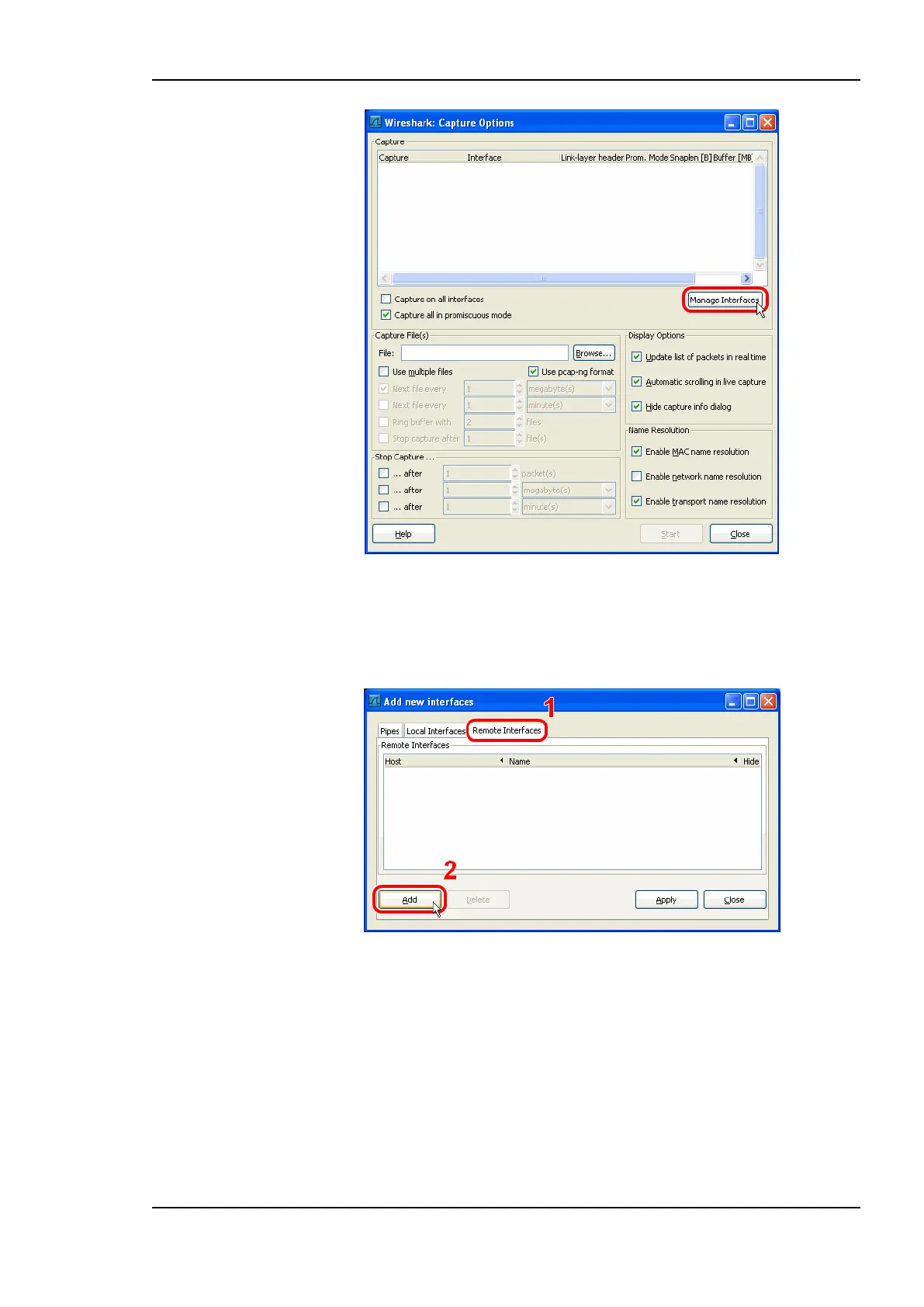
Figure 266: Wireshark Capture Options Dialog.
2. Click the Manage Interfaces button to open the Add new interfaces dialog.
3. Select the Remote Interfaces tab and click Add as shown in Figure 267.
Figure 267: Wireshark Add New Interfaces Dialog.
4. Enter the correct settings for Host and Port (default 2002) and, if authentication is
enabled, enter Username and Password in the corresponding fields as shown in Figure
268.
5. Note that only the users admin and operator are allowed to connect.



 To Next Page