Slic3r
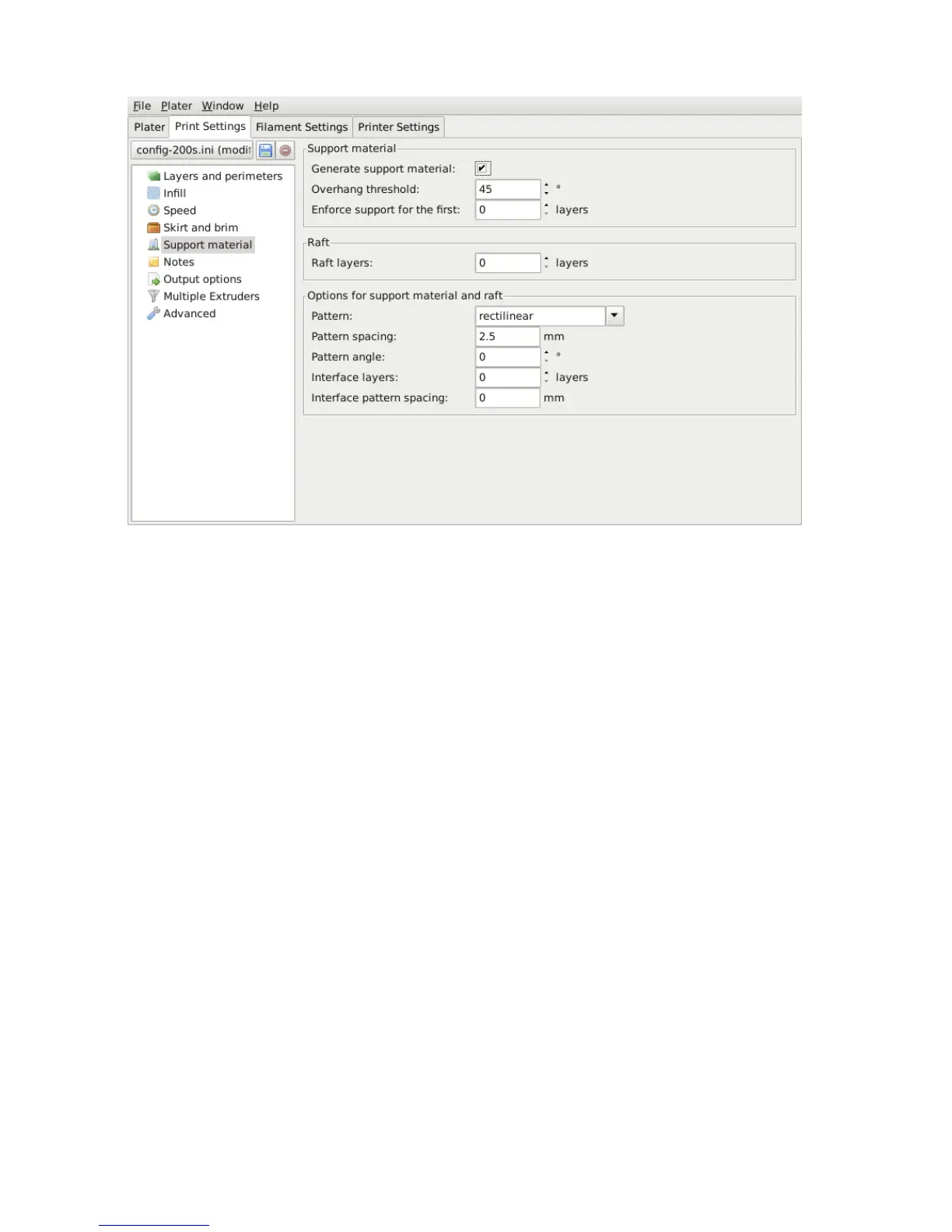
Figure 2.37: Support structure options.
The rst thing to do is activate the support material option by checking
the Generate support material box. Providing a value of zero to the
Overhang threshold parameter tells Slic3r to detect places to provide
support automatically, otherwise the degrees given will be used. Support
generation is a relatively complex topic, and there are several aspects
which determine the optimal support, it is strongly recommended to set
the threshold to zero and allow Slic3r to determine the support required.
Small models, and those with small footprints, can sometimes break or
detach from the bed. Therefore the Enforce support option will cause
support structures to be printed for the given number of layers, regardless
of the angle threshold value.
To demonstrate the inll patterns the minimug model was tilted by 45°
along the x axis, as shown in gure 2.38.
104



 To Next Page