Slic3r
The Extruder offset is to be used should the rmware not handle
the displacement of each additional nozzle. Your rmware documentation
should tell you if this is the case. Each additional extruder is given an
oset in relation to the rst one. If the rmware does handle this then all
osets can remain at 0,0. We recommend that TAZ users set the extruder
oset in Slic3r.
Because the secondary extruder will be dormant whilst the rst is
working, and vice-versa, it is important that the material is suciently
retracted to stop oozing. As with the regular retraction settings (see p.95)
the Length options is measured from the raw lament entering the extruder.
Assigning Filaments
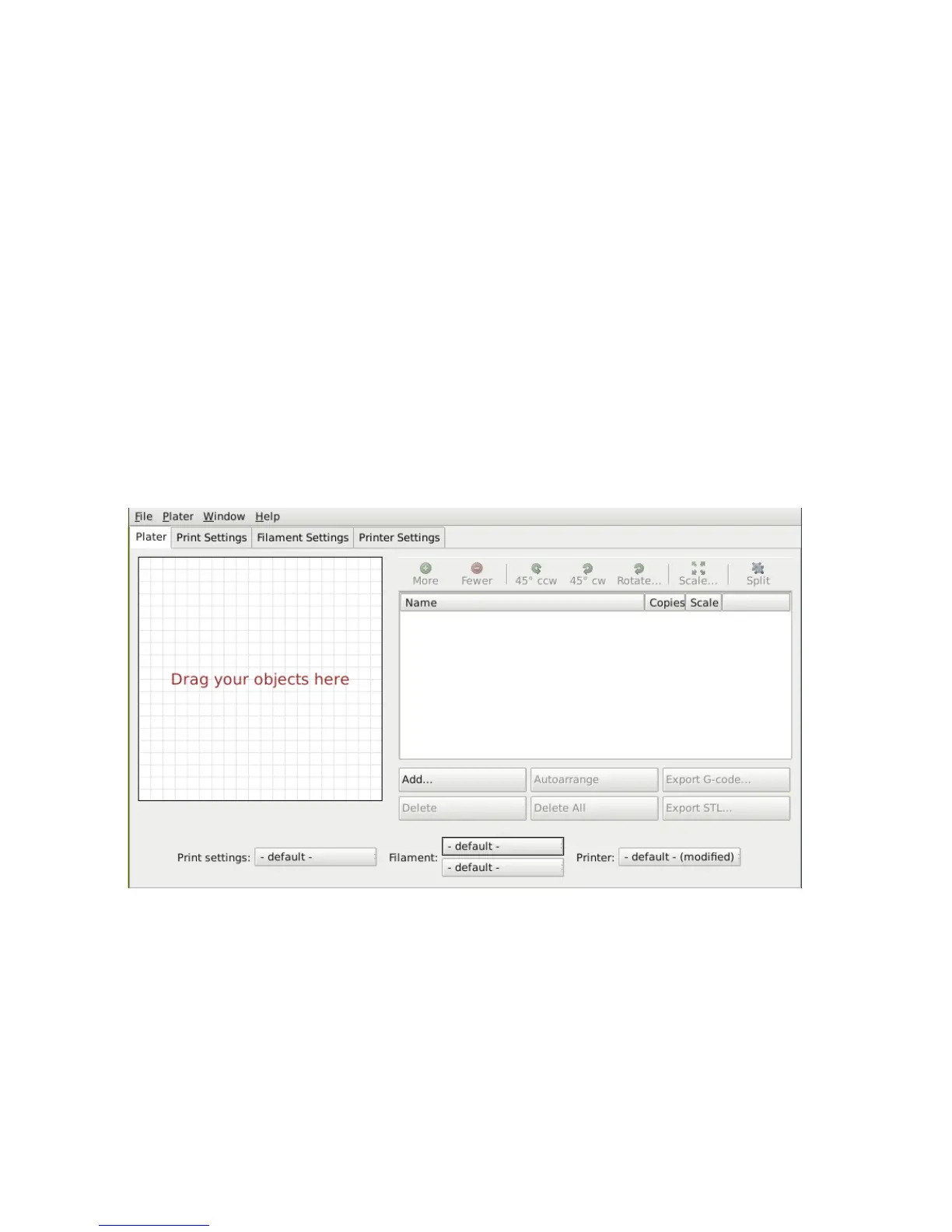
When a printer prole with multiple extruders has been selected the Plater
tab allows the selection of a dierent lament for each extruder.
Figure 2.45: Plater with multiple lament options.
Assigning Extruders for Single-material Objects
For single material prints, where the secondary extruder is to be tasked with
a particular extrusion, the Multiple Extruders subsection of the Print
108



 To Next Page