3D Printer Software
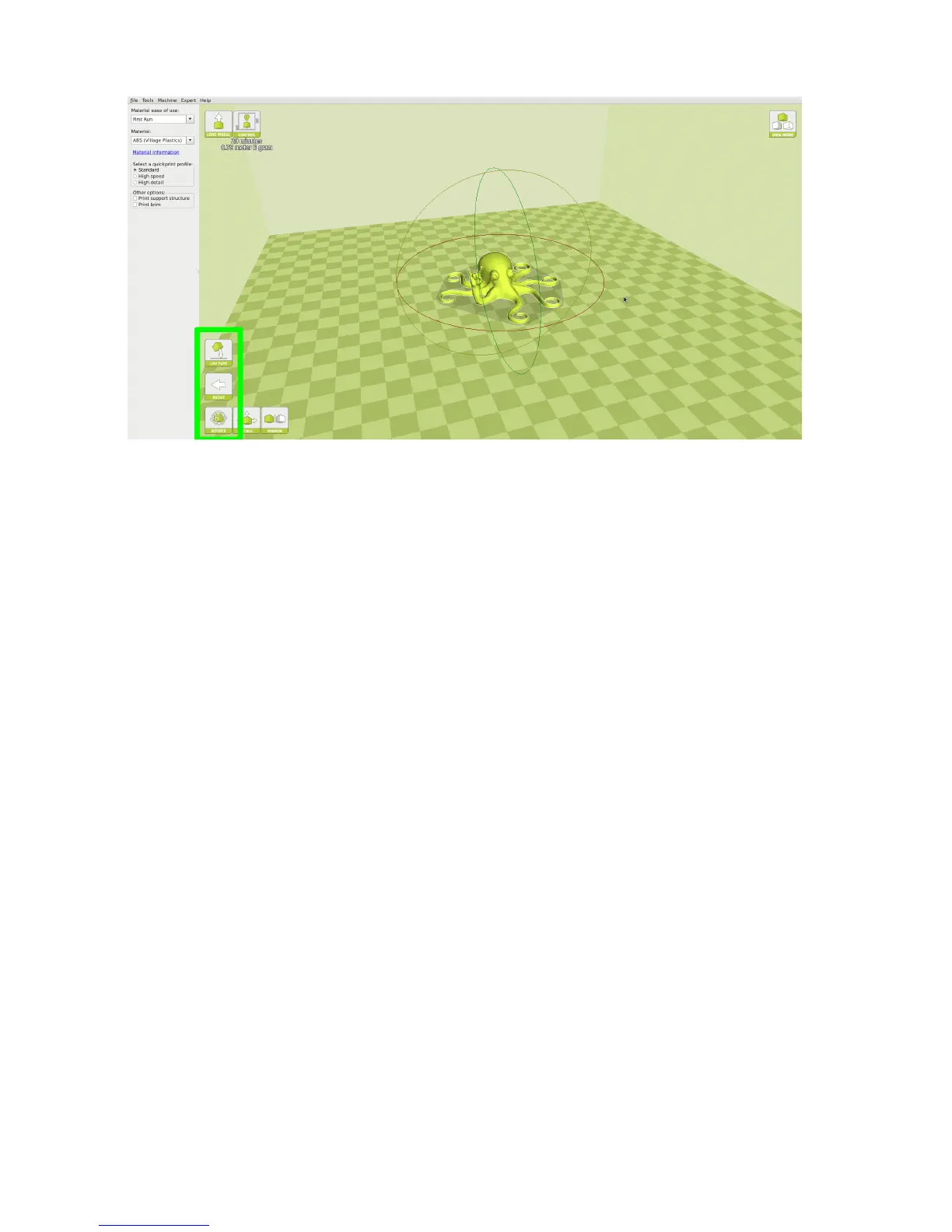
Figure 1.3: Rotating your Model
Lay Flat
The Lay Flat button will ensure that the at portion of your print is
securely attached to the bed. It is highly recommended to use this option
after rotating your model in the Z direction, as it will help prevent adhesion
issues during the print.
Reset
The Reset button will return your model to the original orientation as
dened by the CAD program used to create the model.
Scale
The Scale button displays the model dimensions, along with the ability to
scale along the X Y or Z axes. Anything below the number 1.0 will reduce
the objects size, while anything above the number 1.0 will increase the
objects size. As a default, it will be set to uniform scaling. This will cause
the X Y and Z axes to be scaled by the same amount when you make a
change to any of them. To disable this, select the lock in the lower section
of the scaling window.
20



 To Next Page