1.5. QUICK PRINT SETTINGS
Model Orientation
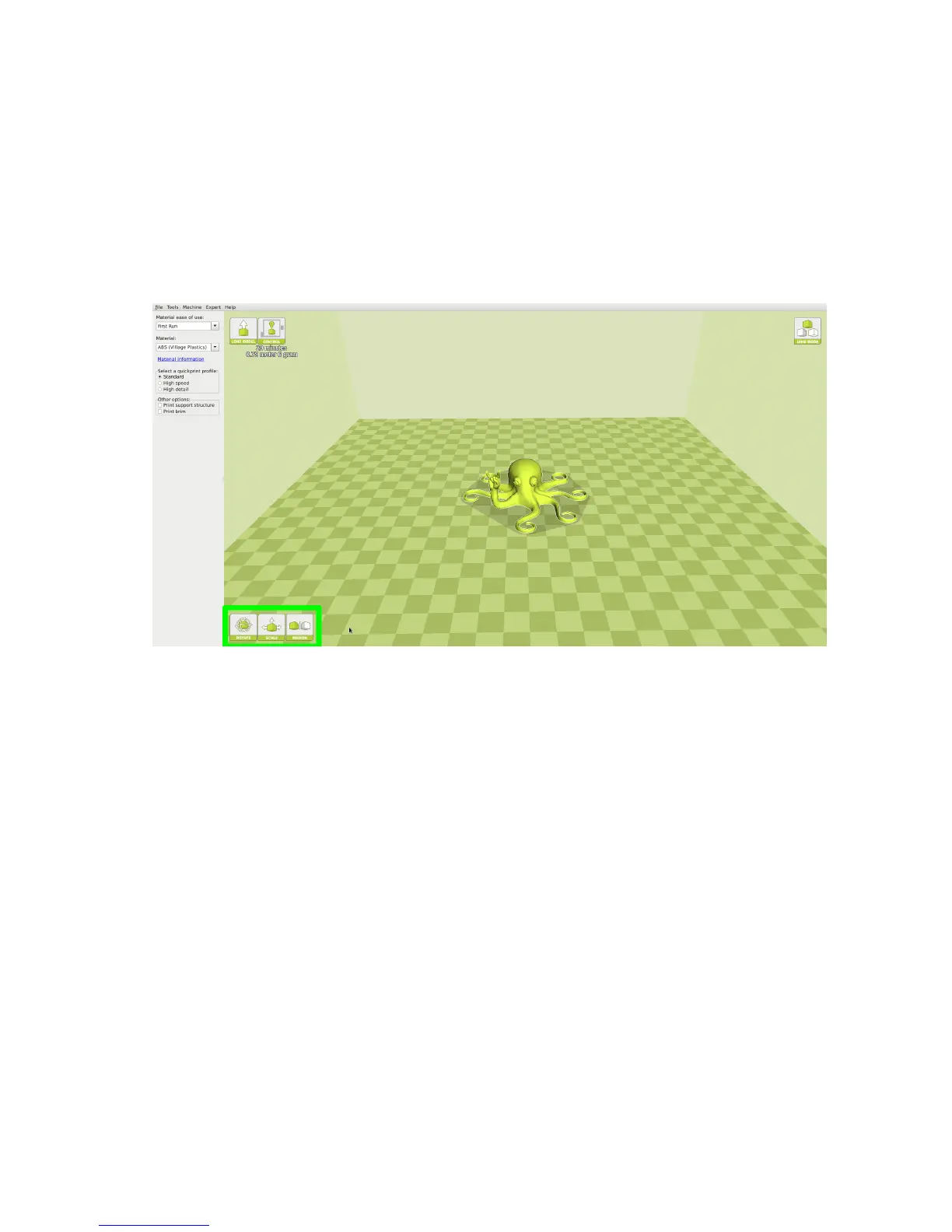
Move your model to change where it is printed on the build plate. Do this
by left clicking on the model and dragging it to the desired location. The
black outlined corner of the 3D print bed view represents the front left
hand corner of the build plate on your printer. By holding down the right
mouse button and dragging, you can view your model from dierent angles.
Figure 1.2: Options after selecting model
Rotate
The Rotate button will give you the ability to orient your model in along
all three axes. Once you click the rotate button, three circles will surround
your model. The red circle will allow you to rotate around the Z axis. The
Yellow circle will rotate around the Y axis. The Green circle will rotate
around the X axis. Cura defaults to 15 degree increments. Hold Shift to
rotate by One Degree Increments.
19



 To Next Page