1.11. ADVANCED TAB OPTIONS
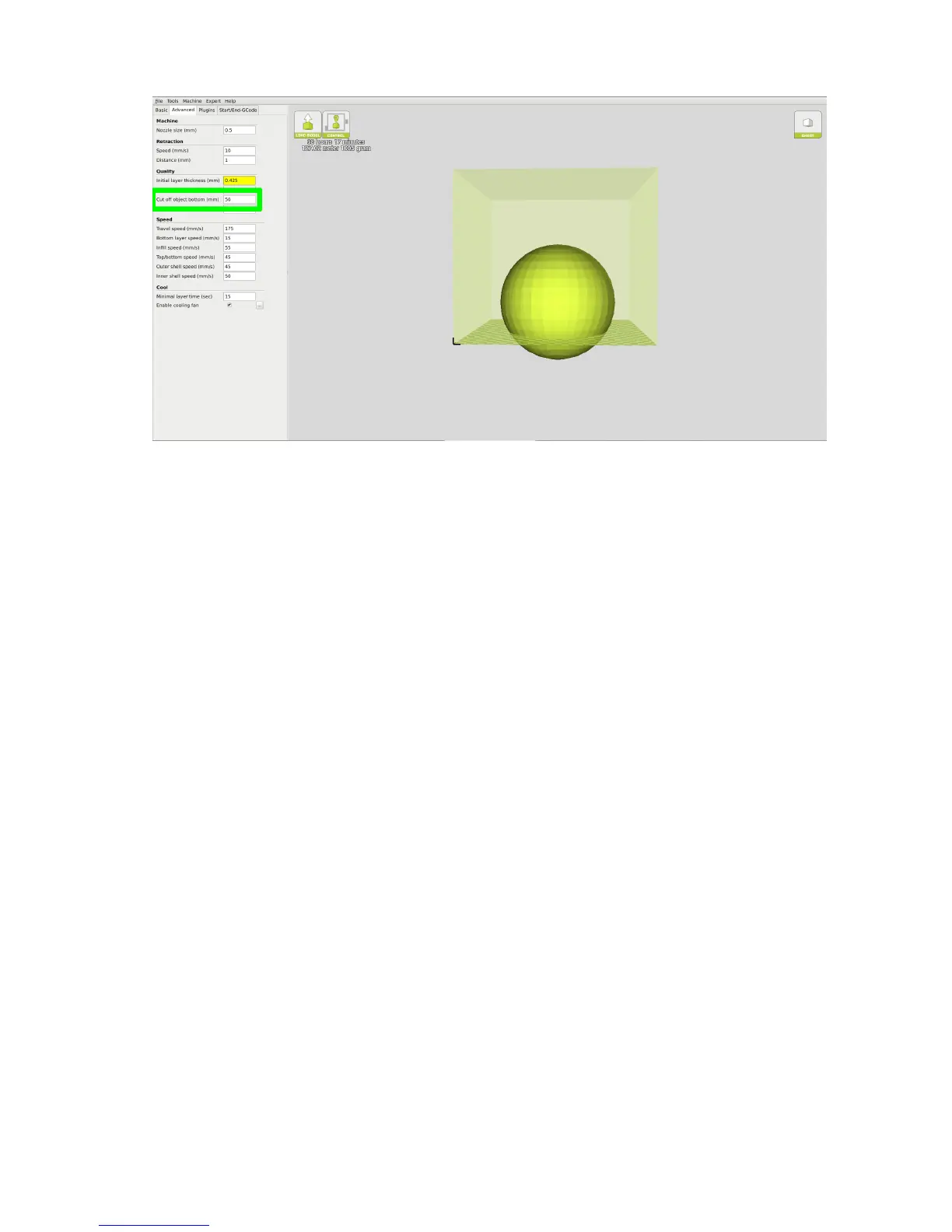
Figure 1.16: Cuto Example
Dual Extrusion Overlap
This will determine how far your Dual Extruders will overlap when laying
down material. This will help adhesion between the two dierent colors or
types of lament. This setting is only used when the printer is equipped
with two hot ends and extruders.
Travel Speed
This setting will determine how fast your print head moves while not ex-
truding lament. A normal travel speed of 125 - 175mm/s is recommended.
Bottom Layer Speed
This will control your initial layer speed. In general, a slower initial layer
speed will help with rst layer adhesion.
Infill Speed
This is how fast your print head speed will be while laying down the interior
portion of your model. Faster speeds are usually tolerable here, as none of
the inll will be visible from the outside of your object. If you go too fast
35



 To Next Page