Slic3r
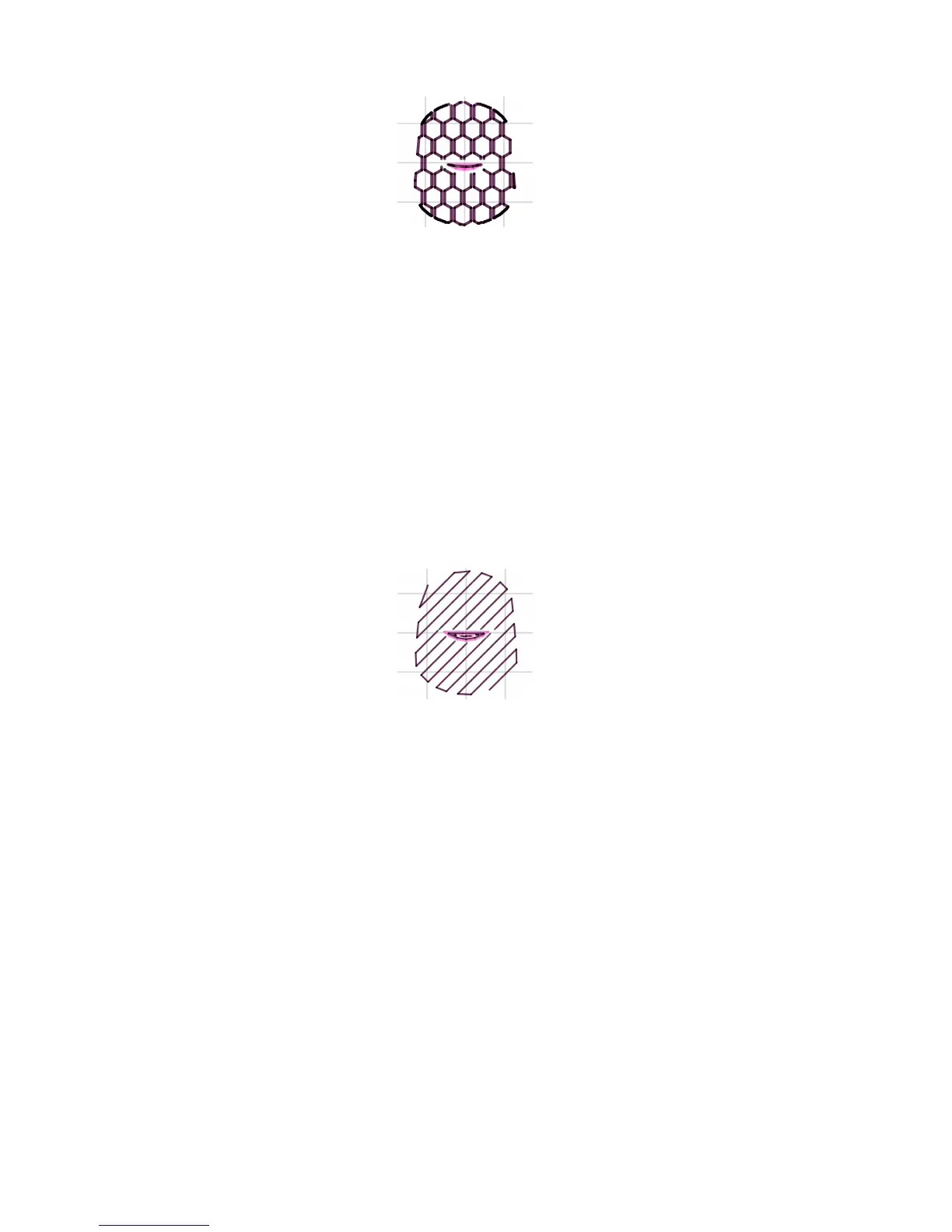
Figure 2.41: Support inll pattern: Honeycomb
Pattern Spacing determines the distance between support lines, and
is akin to inll density apart from being dened only in mm. If changing
this attribute take into account the width of the support extrusion and the
amount of support material that will adhere to the object.
Care should be taken to choose a support pattern which matches the
model, where the support material attaches perpendicularly to the wall of
the object, rather than in parallel, so it will be easy to remove. If the
support structure does run along the length of a wall then the Pattern
Angle option allows the direction of the support lines to be rotated.
Figure 2.42: Example of pattern angle rotated 45°.
Multiple Extruders
A printer with more than one extruder can be used in dierent ways: The
additional extruder could print a dierent color or material; or it could be
assigned to print particular features, such as inll, support or perimeters.
Multi-material printing requires a suitably designed object usually
written in AMF format as this can handle multiple materials (see Model
Formats in §2.3). Details on how to create such a le are given below.
106



 To Next Page