Slic3r
Infill Optimization
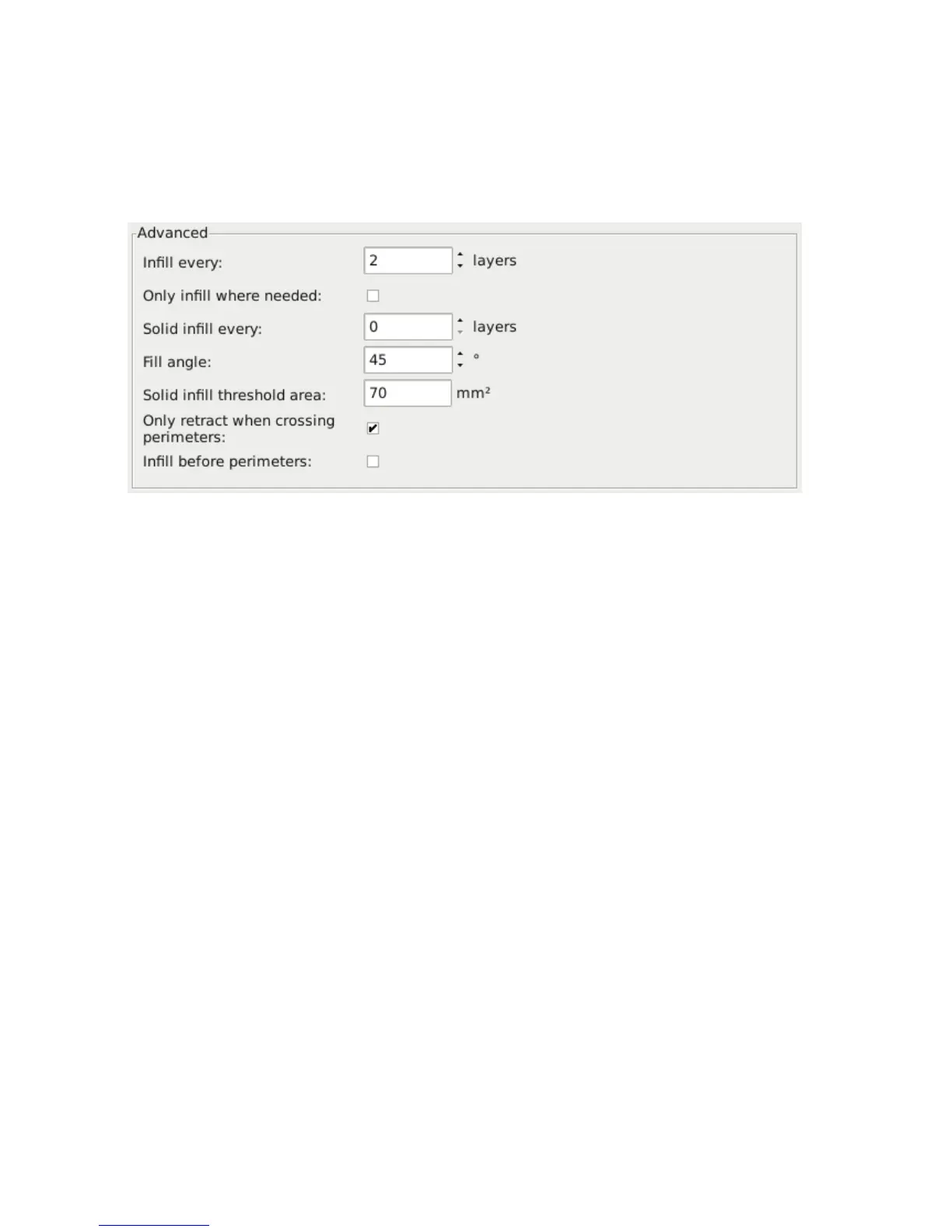
Slic3r contains several advanced inll settings which can help produce
better extrusions.
Figure 2.32: Inll advanced settings.
• Infill every n layers - Will produce sparse vertical inll by
skipping a set number of layers. This can be used to speed up print
times where the missing inll is acceptable.
• Only infill where needed - Slic3r will analyse the model and
choose where inll is required in order to support internal ceilings
and overhangs. Useful for reducing time and materials.
• Solid infill every n layers - Forces a solid ll pattern on the
specied layers. Zero will disable this option.
• Fill angle - By default the inll pattern runs at 45° to the model to
provide the best adhesion to wall structures. Inll extrusions that run
adjacent to perimeters are liable to de-laminate under stress. Some
models may benet from rotating the ll angle to ensure the optimal
direction of the extrusion.
• Solid infill threshold area - Small areas within the model are
usually best o being lled completely to provide structural integrity.
This will however take more time and material, and can result in
96



 To Next Page