2.5. EXPERT MODE
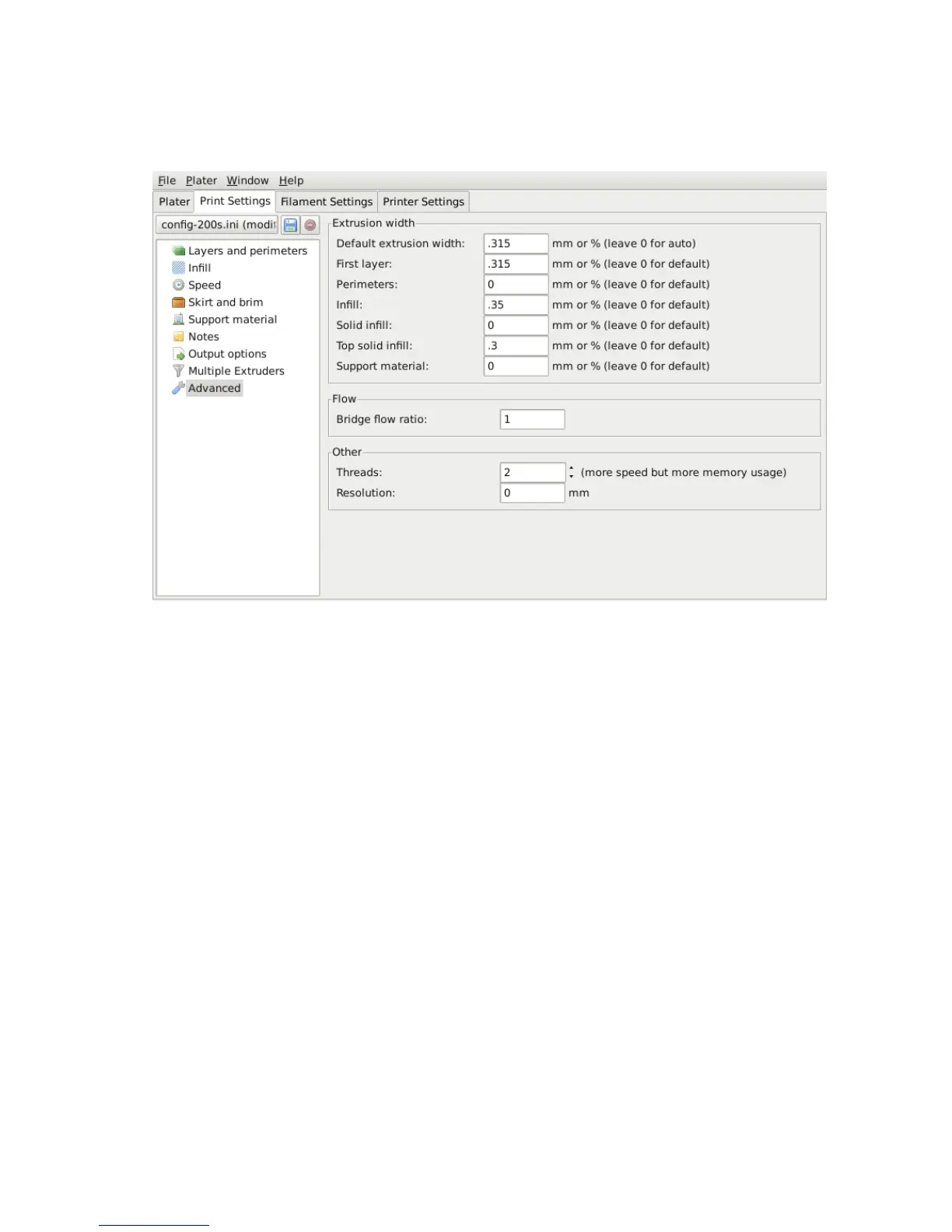
Extrusion Width
Figure 2.48: Extrusion widths options.
One reason for modifying the extrusion width has already been discussed:
increasing rst layer extrusion width in order to improve bed adhesion (see
p.71). There are some further cases where it may be benecial to modify
extrusion widths.
• Perimeter - A lower value will produce thinner extrusions which in
turn will produce more accurate surfaces.
• Infill and Solid Infill - A thicker extrusion for inll will produce
faster prints and stronger parts.
• Top infill - A thinner extrusion will improve surface nish and
ensure corners are tightly lled.
• Support material - As with the inll options, a thicker extrusion
will speed up print time.
111



 To Next Page