2.4. SIMPLE MODE
unnecessarily complex for most use cases, and so most of the time the inll
pattern is either rectilinear, line, or honeycomb. Honeycomb gives the
most strength but is slower than both rectilinear or line.
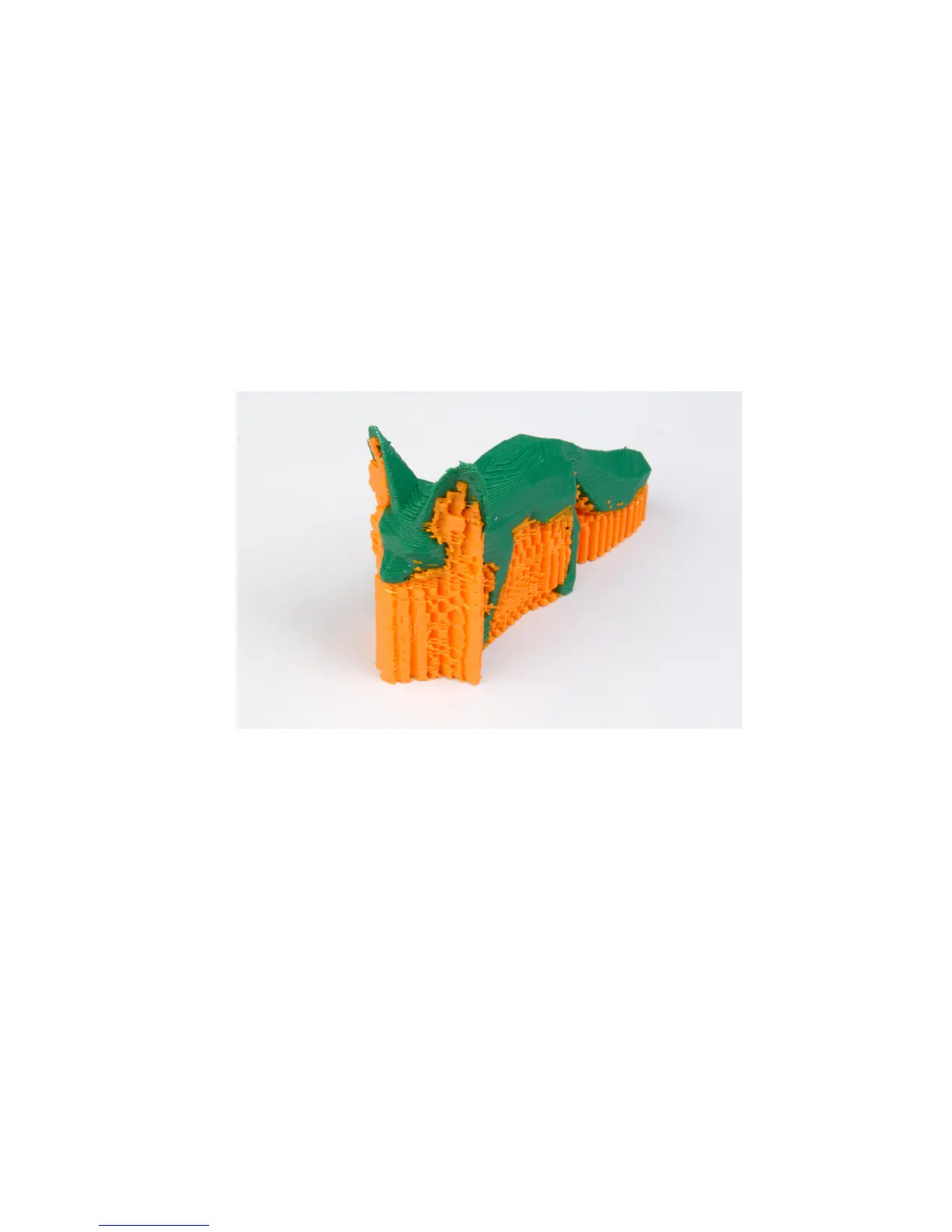
Support material. Printing a model from the bottom up, as with FDM,
means that any signicant overhangs will be printed in the air, and most
likely droop or not print correctly. Choosing support material (Generate
support material) will add additional structures around the model which
will build up to then support the overhanging part. The Pattern spacing
option determines how dense the support material is printed.
Figure 2.17: An example of an object printed with support material.
Tip: It is sometimes worth considering altering the orientation of the
model in order to possibly reduce overhangs.
Raft layers will add additional layers underneath the model and stems
from the early days of 3D printing. It can help with prints without a heated
bed, or where the bed is not very at, but it is usually not required and is
not recommended. The raft also requires post-processing to remove it.
Speed. In simple mode there are only three speed settings to consider:
• Perimeters - The outline of the model may benet from being
printed slightly slower so that the outside skin of the print has fewer
83



 To Next Page