3.3. PUTTING PRINT FILES ON THE SD CARD
print with either the Graphic LCD, Cura, or Printrun, for the rest of the
print use only that controller. When printing with the Graphic LCD, never
try to connect through USB in the Cura host software; wait until the print
is complete, and then connect in Cura.
3.3 Putting Print Files on the SD Card
To print from the Graphic LCD, you will need to transfer .gcode print
les onto the SD card. Follow the normal steps, as explained in the Slic3r
chapter, to create .gcode print les on your computer. Insert the SD card
into your computer using a SD reader slot or USB SD card reader. Open a
le browser- / -manager and locate the created .gcode les; drag and drop
or paste the .gcode les to the SD card. Once the les have transferred,
eject the SD card from your computer and insert it back into the SD card
slot on the left side of the Graphic LCD case.
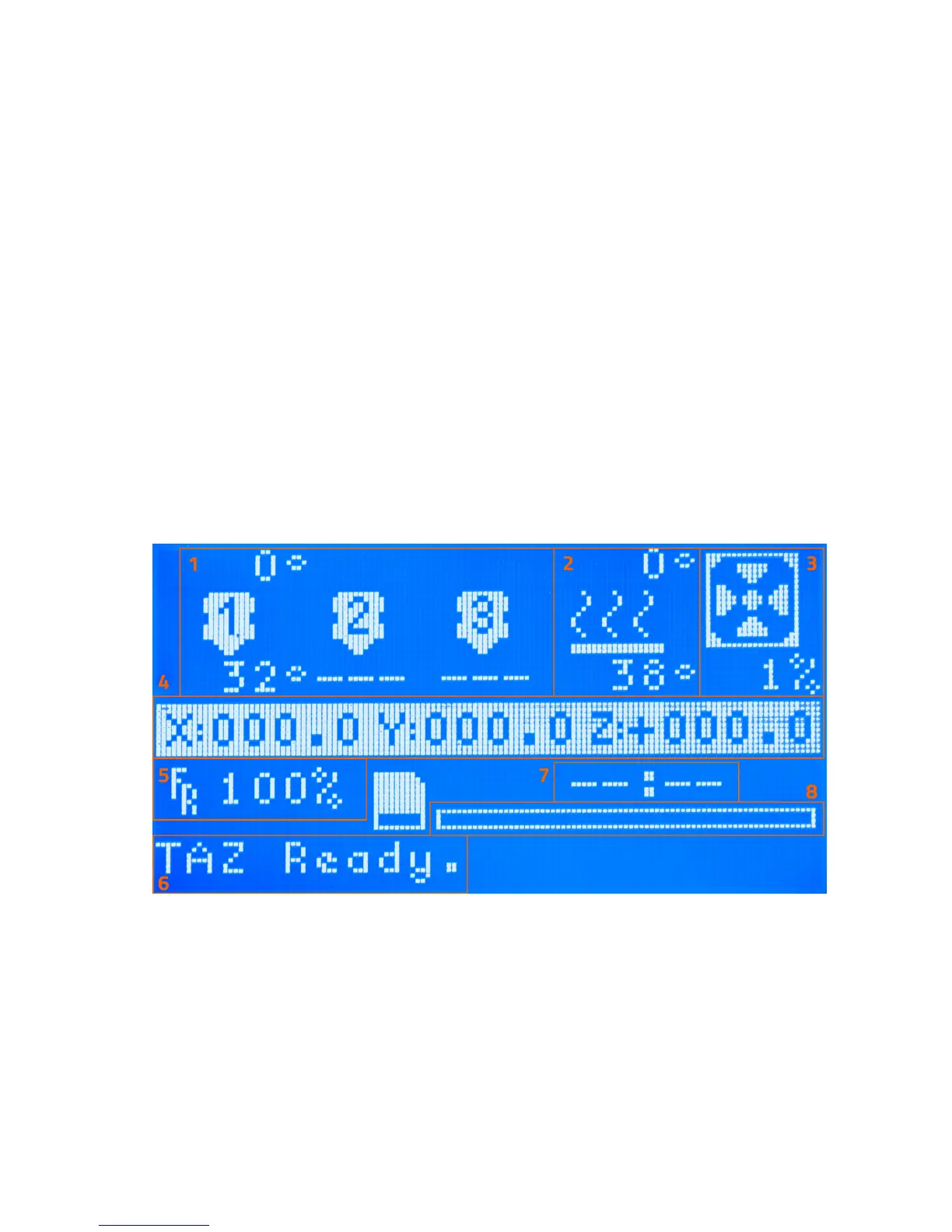
Figure 3.1: GLCD Info Screen
143



 To Next Page