1.23. DUAL EXTRUSION
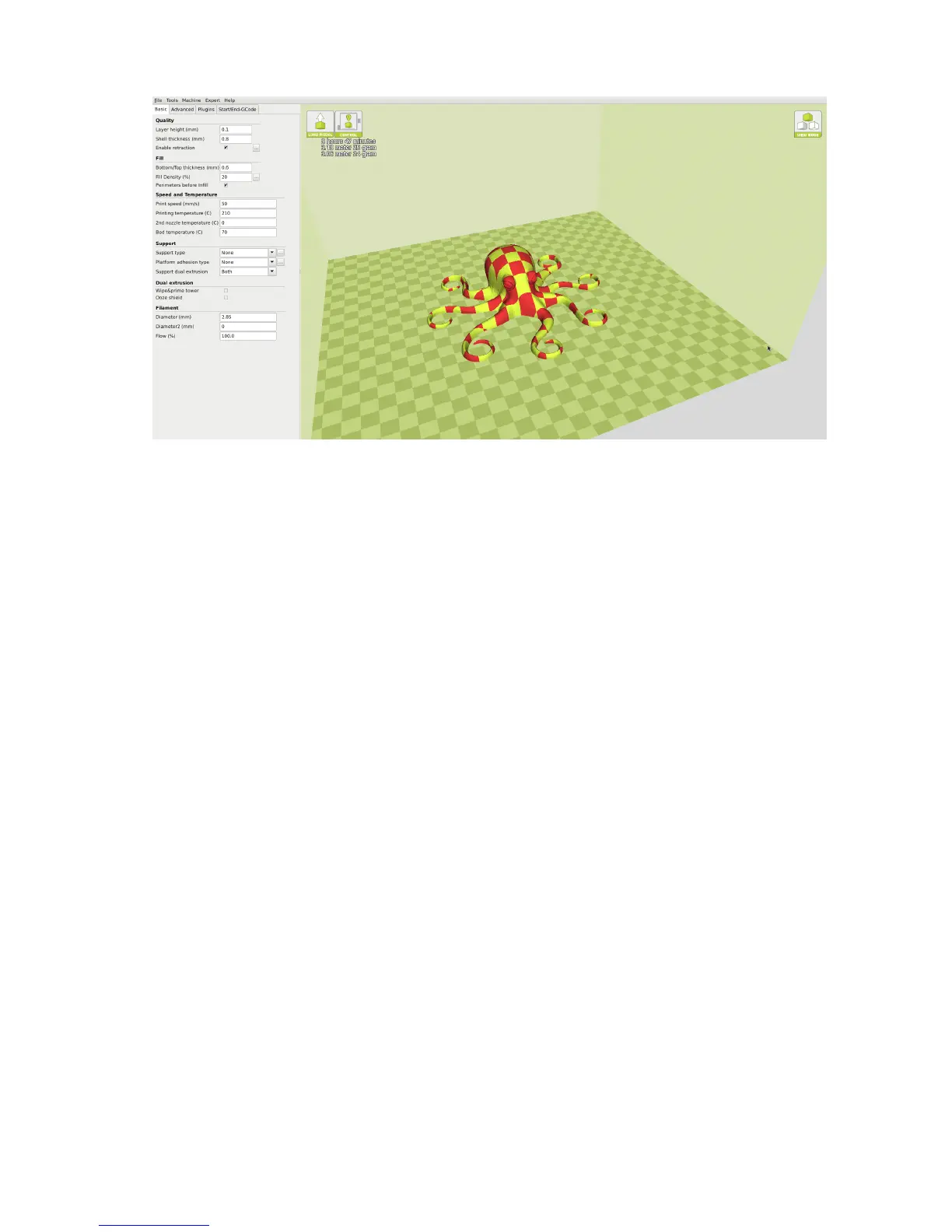
Figure 1.20: After Merge
Setting Dual Temps
After your object has been merged as intended, you will need to set the
individual temperatures for each print head. In order to switch between
which hot end you are heating, you will need to manually enter T0 to set
temps for the rear hot end, and T1 to set temps for the front hot end. The
Bed temp can be set from either T0 or T1. Once both print heads
and the print surface have reached the desired printing temperature select
Print.
49



 To Next Page