3.4. PRINTING WITH THE GRAPHIC LCD
Using the Selection Knob
To navigate through the LCD menu use the selection knob by rotating
to scroll through selections and pressing the knob to make a selection.
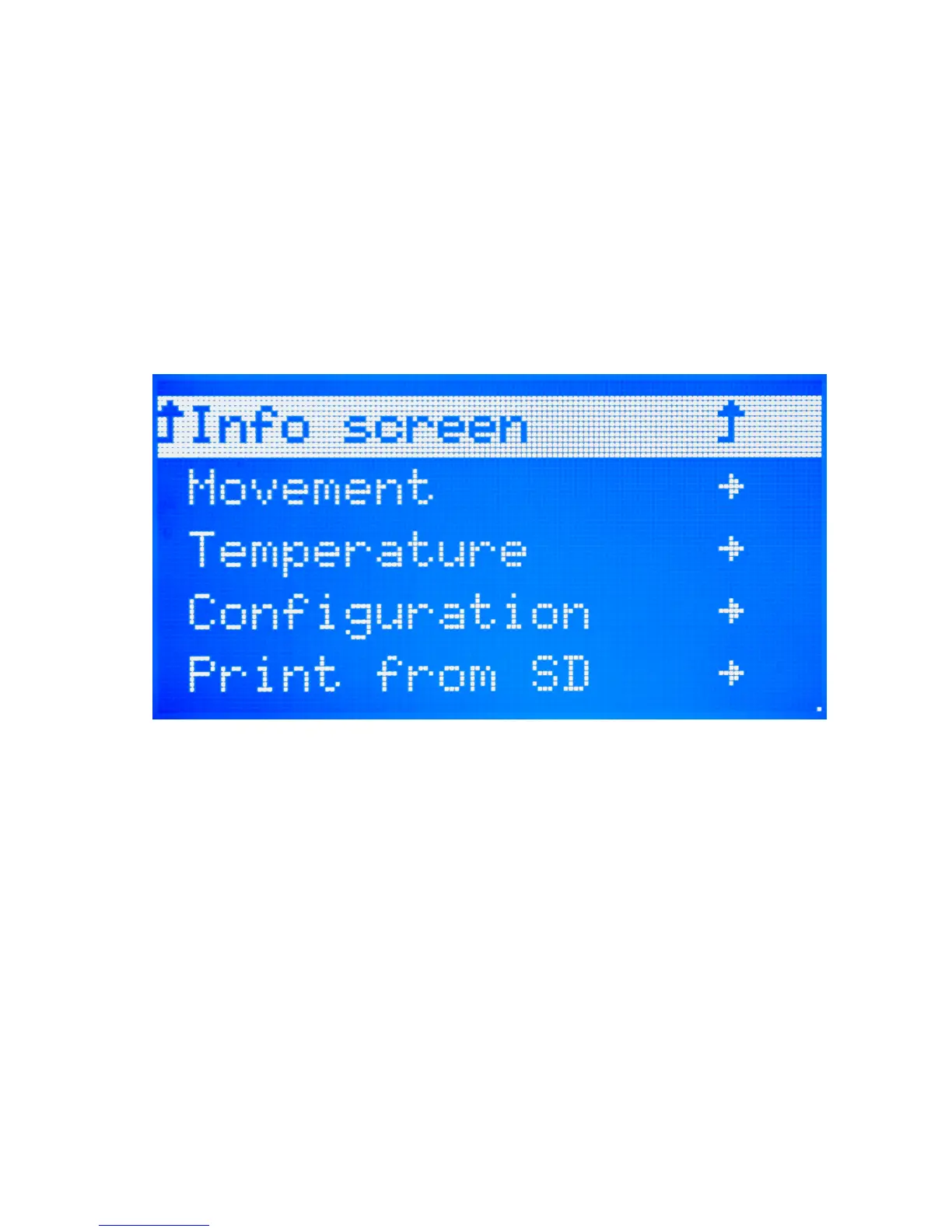
From the main Status screen, press the knob to move into the menu screen
(Figure 3.2, page 143). To move backwards in the menu tree, select the top
most menu selection on the current screen. Selections that will move you
backwards through the menu tree are noted by an upwards-facing arrow.
Note that if the menu is left idle it will automatically move back to the
main Status screen.
Figure 3.2: Main Menu
Preparing for a Print
Before starting a print you will need to set the hot end and heat bed to the
appropriate temperatures for the lament type you are using. To quickly
set the printer to preheat, click the selection knob to bring up the menu
and select Temperature. Select Filament Type to automatically set the
hot end and bed temperature for that specic lament.
If you need to set the extrusion and/or bed temperature to a setting
dierent than the preheat temperature you can manually set the temper-
ature. To do so, from the main menu navigate through: Temperature ->
145



 To Next Page