2.8. ADVANCED TOPICS
Understanding extrusion width
Two main questions aect Slic3r’s work:
• How distant should extrusion paths be positioned in order to get a
good continuous nish?
• How much material must be extruded along such paths?
If two adjacent paths are too close (or too much material is extruded),
they’ll overlap. If two adjacent paths are too distant (or not enough
material is extruded), gaps will be visible and/or the extrusions will
delaminate because of not enough bonding.
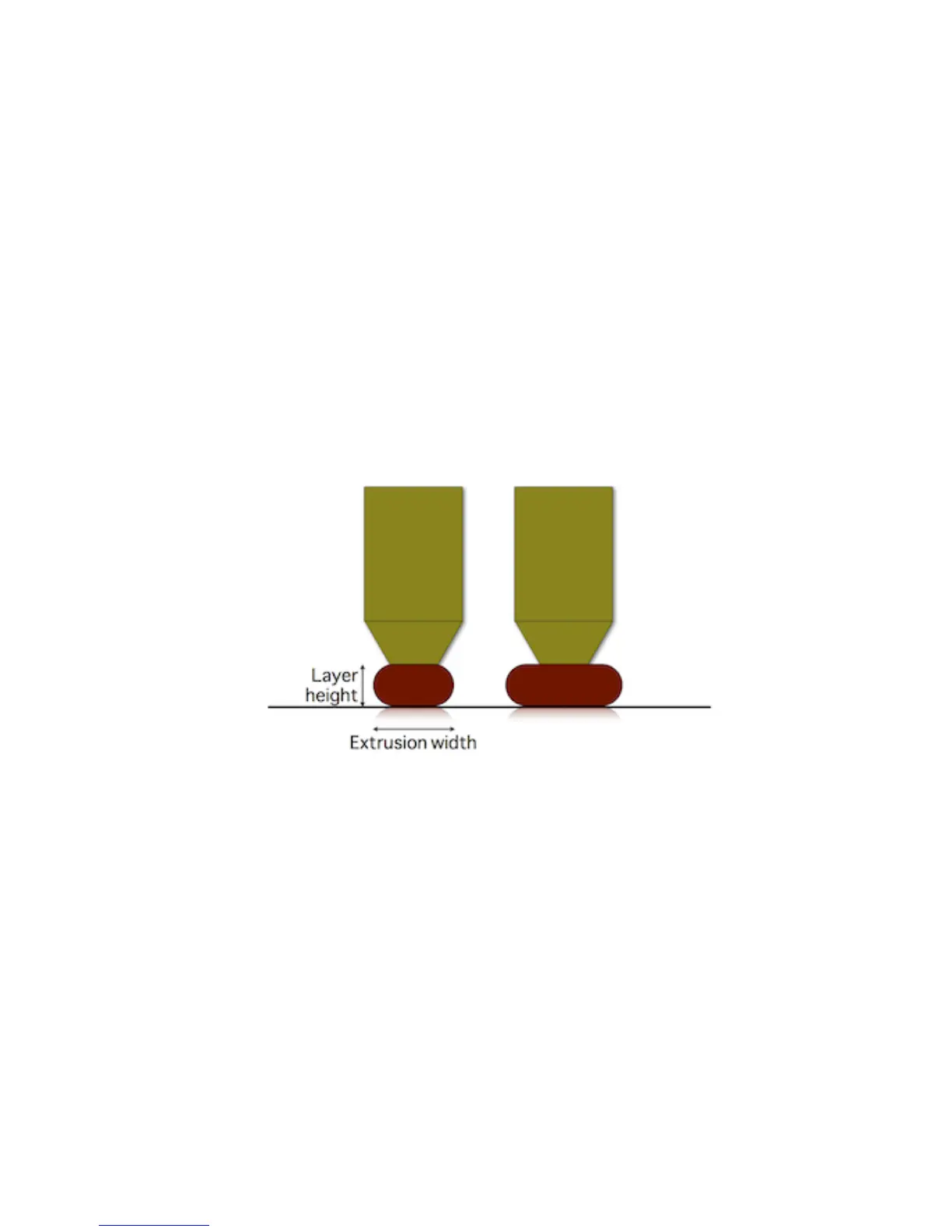
By extruding more or less while moving (i.e. by changing the ow
speed/head speed ratio) we can make paths thicker or thinner:
Figure 2.64: Extrusion Width.
Thicker paths will have better bonding with the lower layer, thus are
good for mechanical parts. However, they’ll be less able to approximate
the object shape and ll tiny gaps or narrow curves (think of a drill bit: a
larger one will not be able to enter narrow places). On the contrary, thinner
paths will provide less bonding but better shape accuracy.
However note that extrusion width can be controlled only when extrud-
ing over an existing surface (such as a previous layer or print bed). If we
extrude in free air (i.e. when bridging), the resulting shape will be always
round and equal to the nozzle diameter:
129



 To Next Page