3D Printer Software
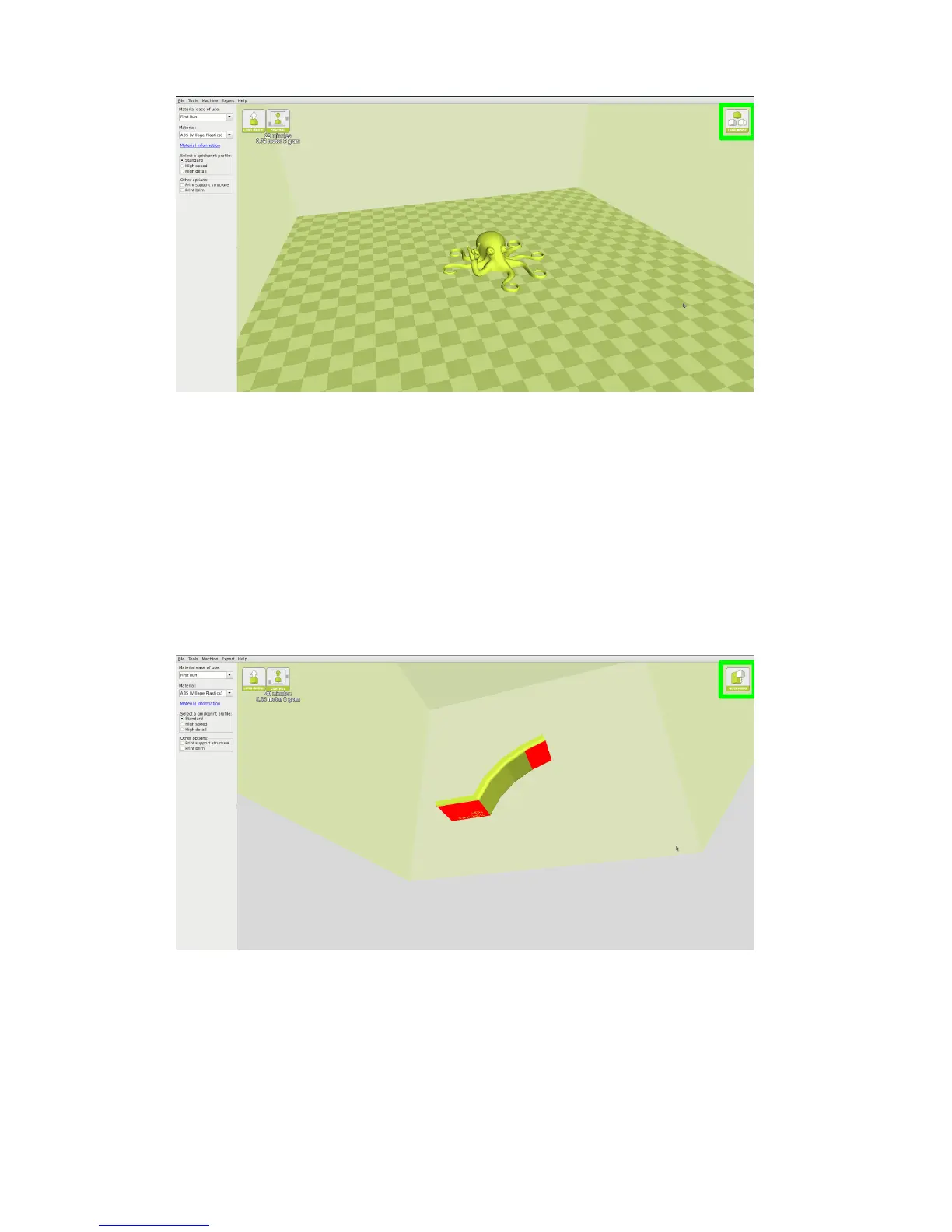
Figure 1.5: View in Normal Mode
Overhang
Overhang mode shows where your model may need support material. In
Fig. 1.6, page 20 the red highlighted areas show overhangs and more severe
angles and areas where support material is recommended. The overhang
threshold can be dened in Expert Settings.
Figure 1.6: View in Overhang
22



 To Next Page