2.7. REPAIRING MODELS
2.7 Repairing Models
If the 3D mesh described in the model contains holes, or edges are
misaligned (known as being non-manifold), then Slic3r may have problems
working on it. Slic3r will attempt to x any problems it can, but some
problems are out of its reach. If the application complains that a model
cannot be sliced correctly then there are several options available, and the
ones described here are all free at the time of writing.
FreeCAD Freecad
16
is a comprehensive, and free, CAD program which
comes with a mesh module, in which repairs to degenerate models can be
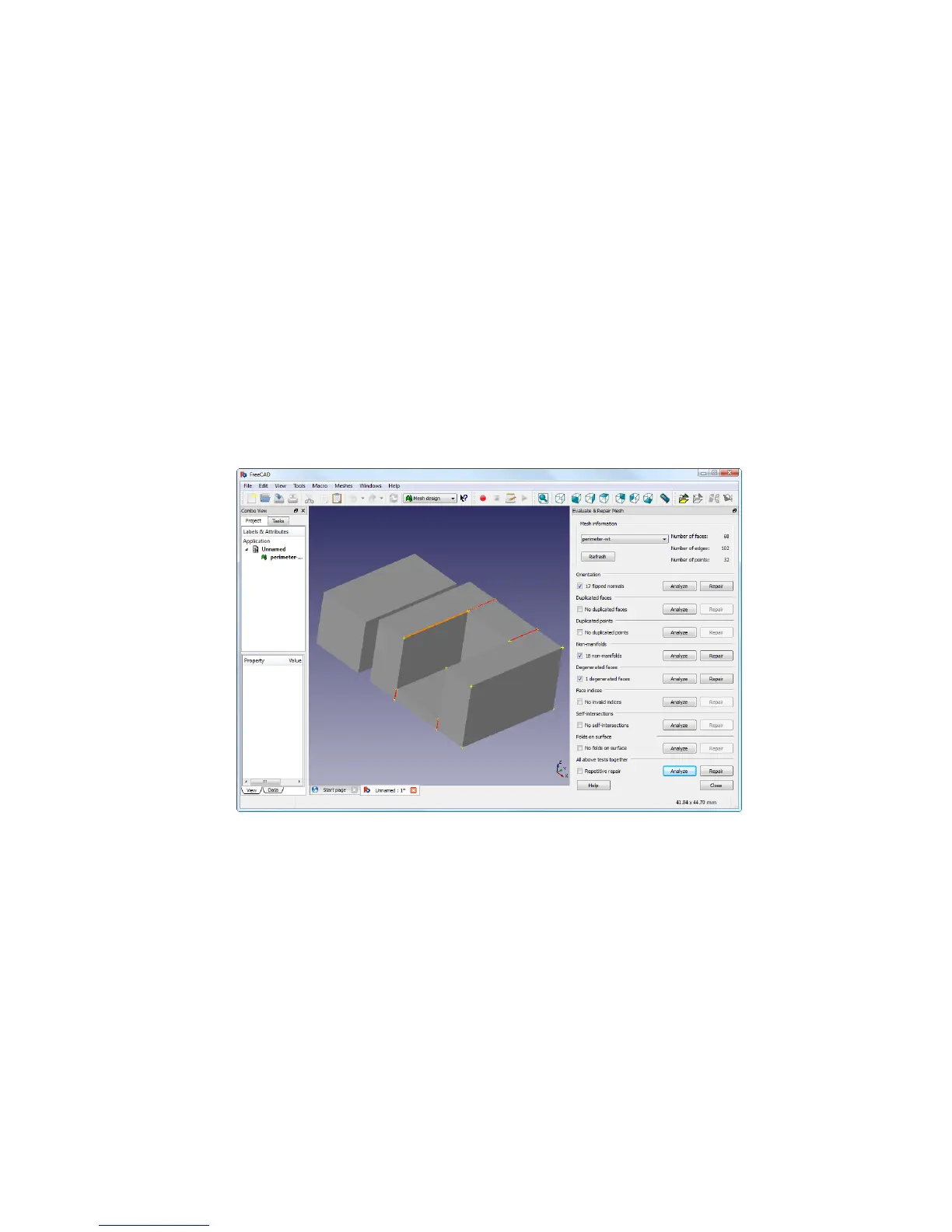
made. The following steps outline how a problem model le can be analysed
and repaired.
Figure 2.58: FreeCAD part repair.
• Start FreeCAD and from the start splash page choose Working with
Meshes.
• Load the model by dragging and dropping it onto the workspace or
via the File menu. A small message in the bottom left corner will
indicate if the model appears to have problems.
16
http://sourceforge.net/projects/free-cad
119



 To Next Page