1.7. STARTING YOUR FIRST PRINT
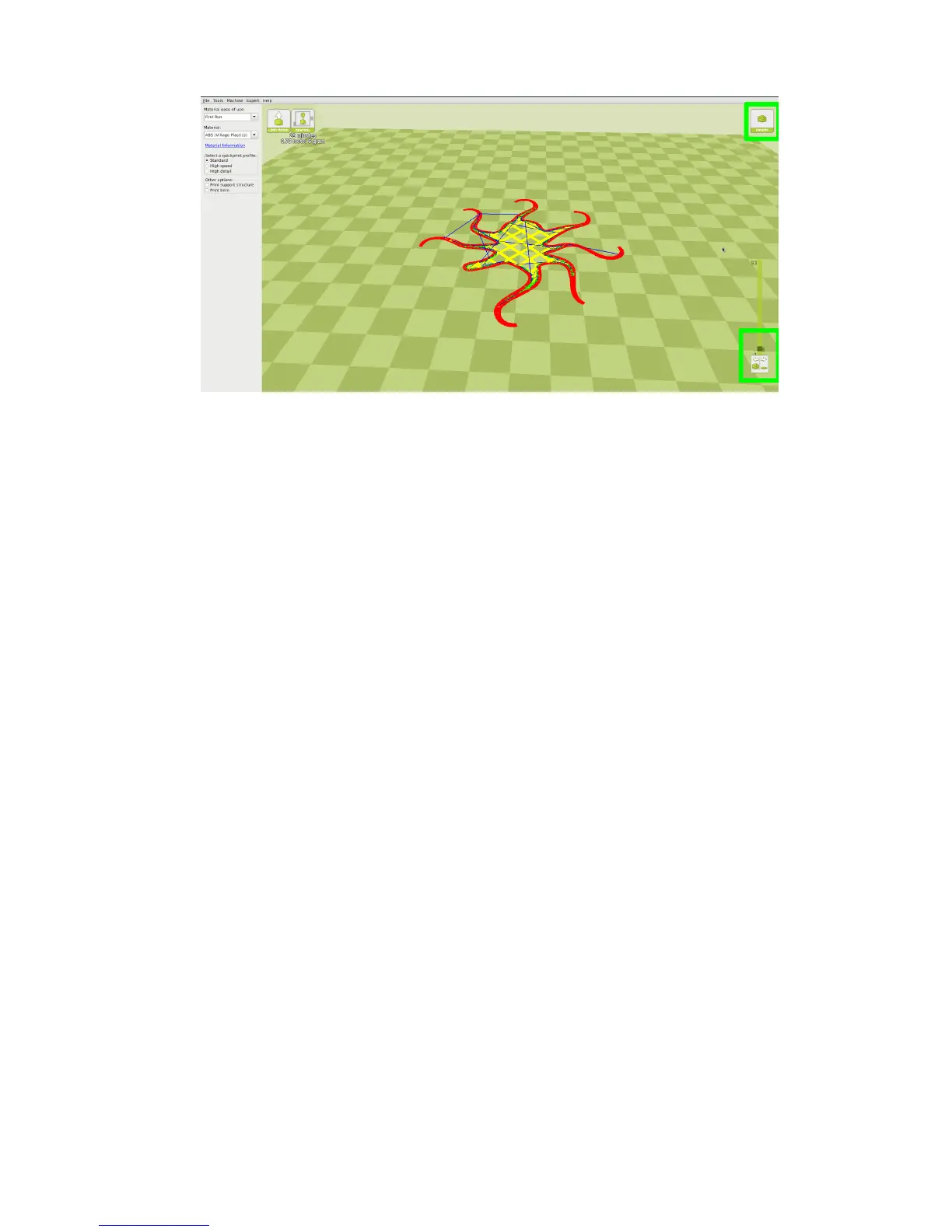
Figure 1.11: Viewing Specic Layers
1.7 Starting Your First Print
Once you have your model, prole, and lament loaded, it is time for your
rst print!
Your TAZ 3D printer has the ability to print directly from a computer
using the included USB cable, or directly from the SD card by using the
Graphical LCD controller.
Printing from SD Card
Insert the included SD card into your computer. Select File > Save Gcode
and choose the SD card location to save your Gcode le to your SD card.
Safely eject the card from the computer, and insert it into the Graphical
LCD Controller.
Set Temperature
Turn on the heated bed and hot end by using the Graphical LCD controller
and navigating to: Temperature > Select Filament type. If you are
using other than a preset material, you can set your desired temperatures
by going to Temperature > Custom Temp > Nozzle/Bed. Wait for your
3D printer to reach specied temperatures.
25



 To Next Page