2.5. EXPERT MODE
Configuring Extruders
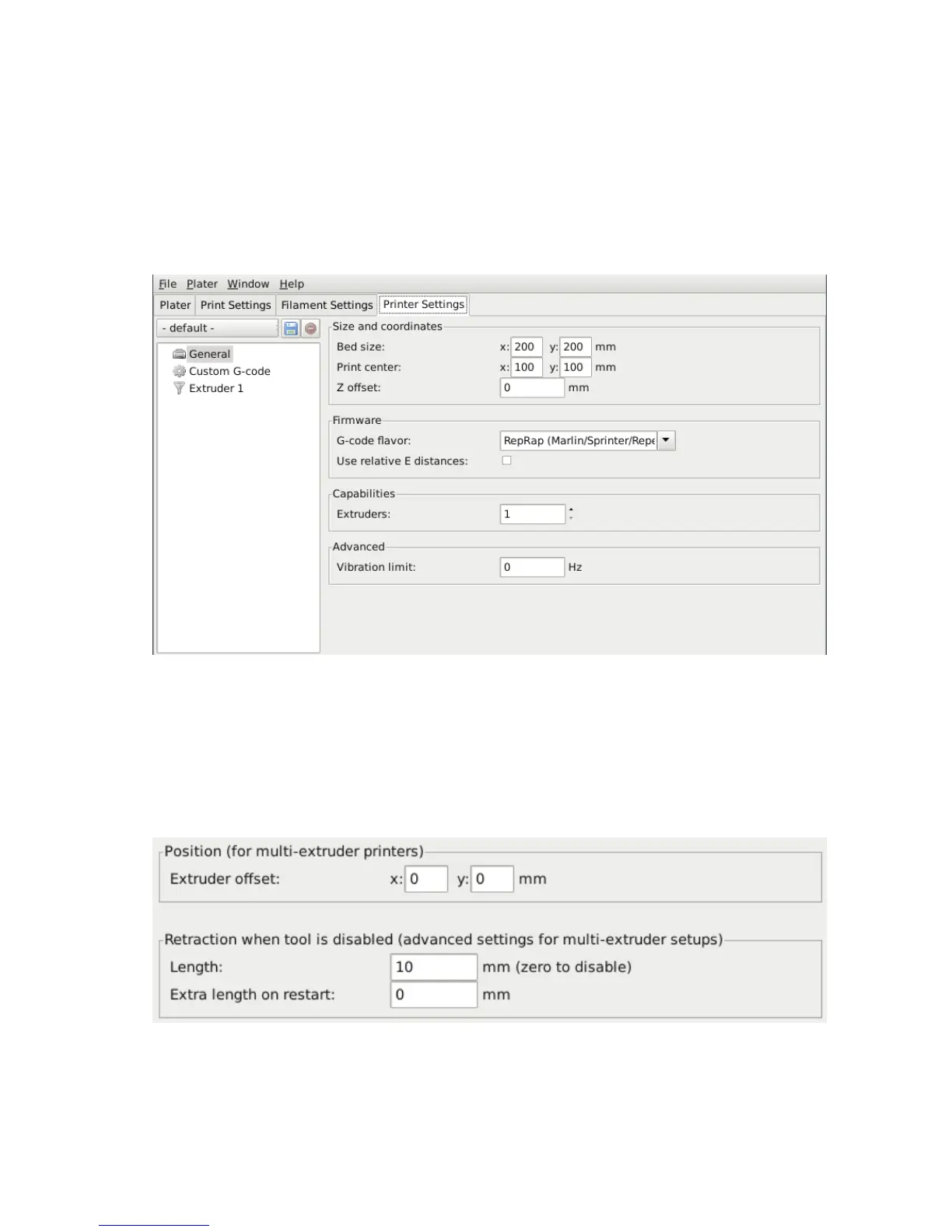
In the Printer Settings tab there is an Extruders option, under
Capabilities, which allows the number of extruders to be dened. In-
crementing this value will dynamically add another extruder denition to
the left-hand pane.
Figure 2.43: Multiple extruder options - Printer Settings Tab (General).
Note the two extruders dened in the left-hand pane.
Each extruder can be congured as usual, however there are additional
settings which must be set which are particular to multi-extruder setups.
Figure 2.44: Multiple extruder options - Printer Settings Tab (Extruder).
107



 To Next Page