3D Printer Software
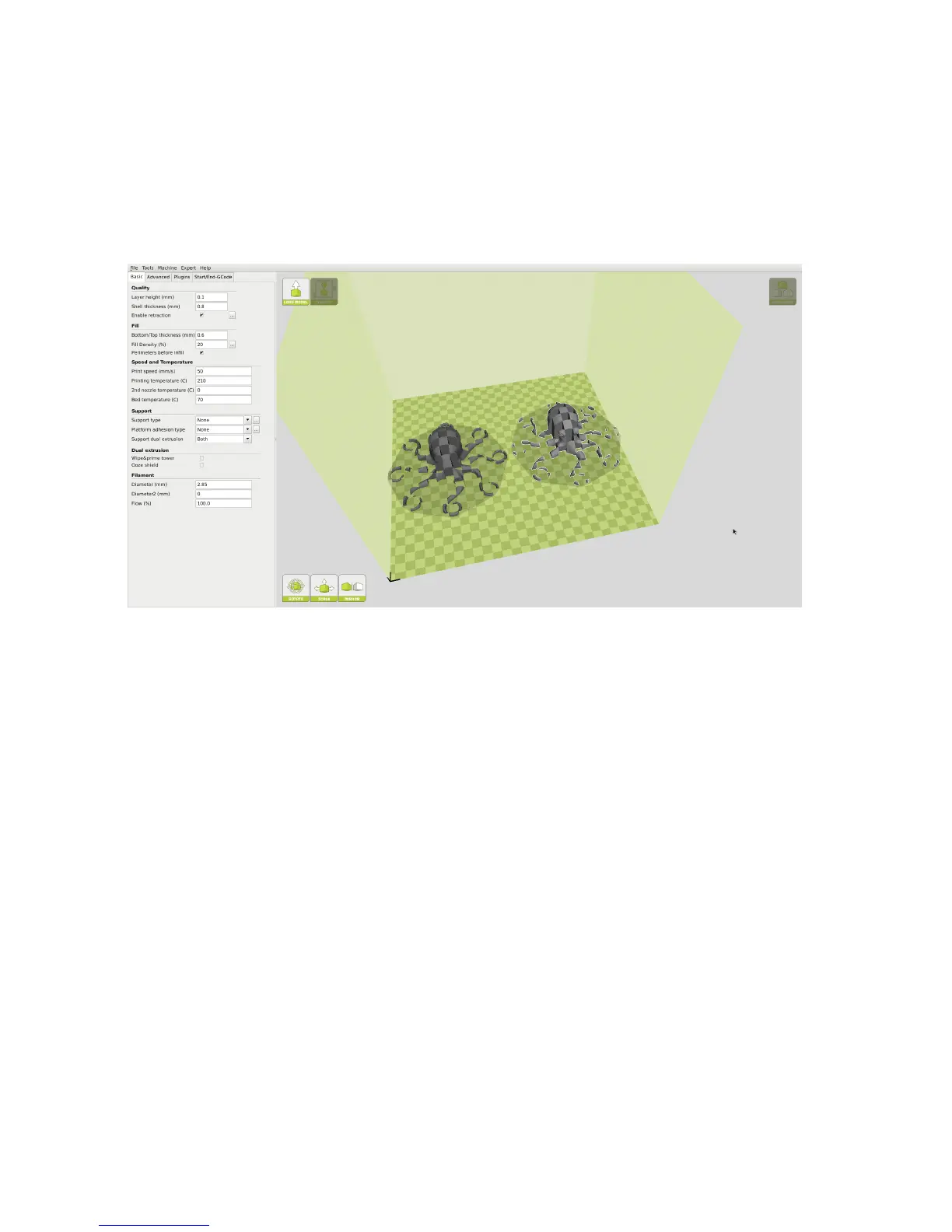
Rear Tool head. Then Right Click on whichever STL le you would
like printed with the Front Tool head and select dual extrusion merge.
You will now see a single model in two colors on the build plate. The red
section will be printed with the front extruder, while the green section will
be printed with the rear extruder.
Figure 1.19: Before Merge
48



 To Next Page