9HUVD3XOVH3RZHU6XLWH6HULHV6HUYLFH0DQXDO &$/$'-867$/,*1
5(9%
a. Connect the Remote Control Panel to the connector at the rear of the system.
b. Verify the system is able to receive operator inputs by depressing the LCD display.
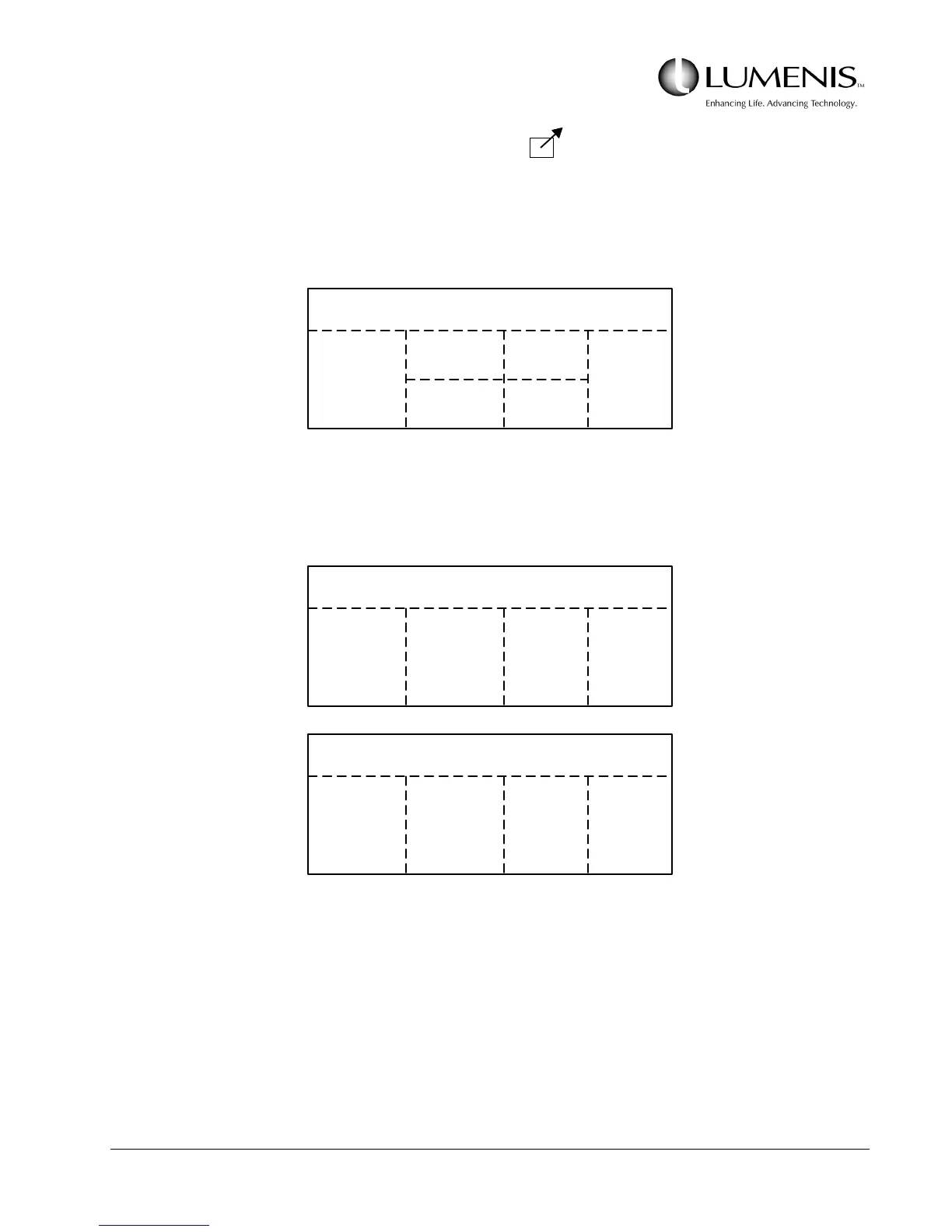
FIG. 3.13: REMOTE CONTROL DISPLAY (Holmium Only)
FIG. 3.14: REMOTE CONTROL DISPLAY (Ho & Ho/Nd:YAG Only)
TREATMENT
ENERGY
UP
ENERGY
DOWN
RATE
UP
RATE
DOWN
STATUS
READY
STANDBY
TREAT Ho
ENERGY
UP
ENERGY
DOWN
RATE
UP
RATE
DOWN
STATUS
READY
STANDBY
SELECT
Ho
SELECT
Nd
Nd:YAG TREAT Nd
TIME
UP
TIME
DOWN
POWER
UP
POWER
DOWN
STATUS
READY
STANDBY
SELECT
Ho
SELECT
Nd



 To Next Page