262335 107 Revision A
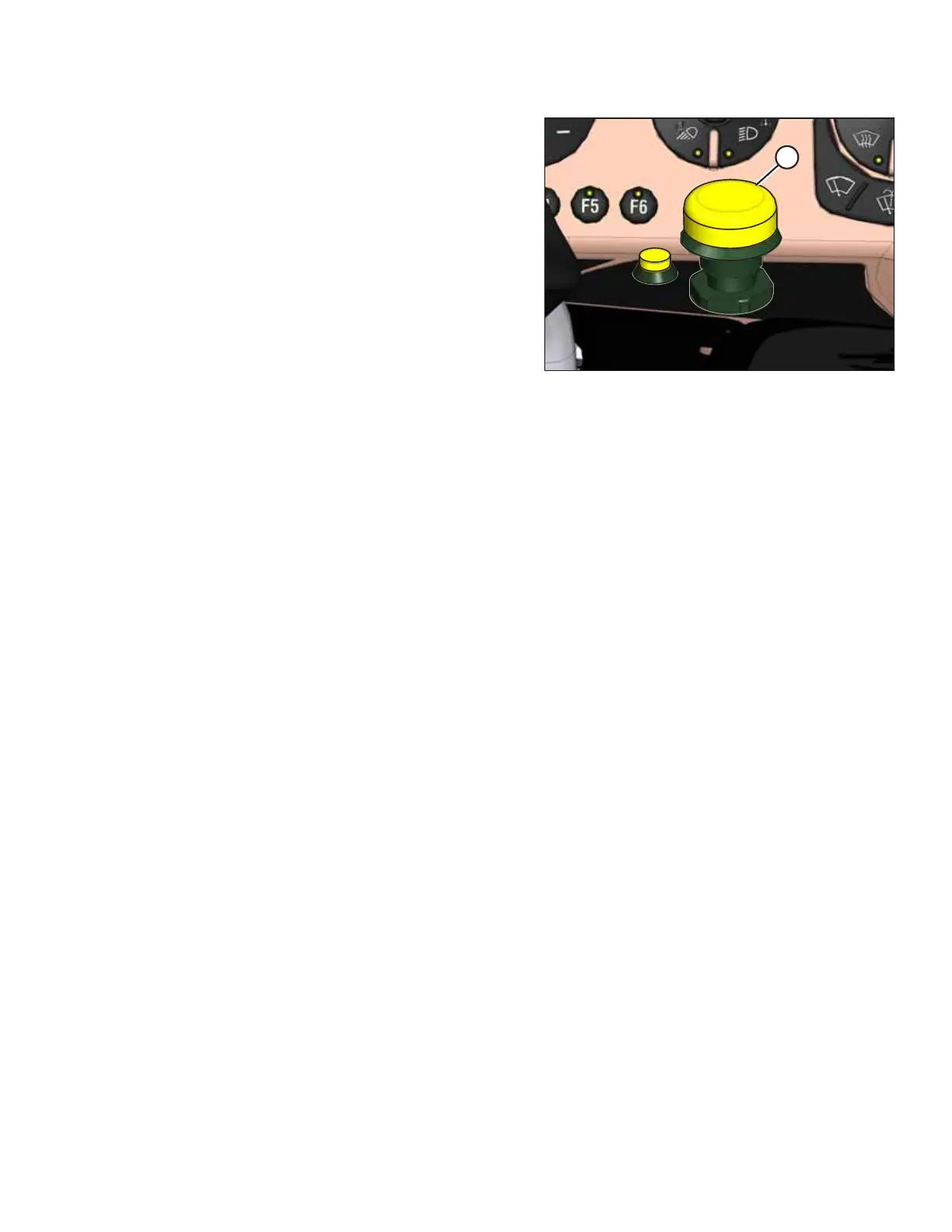
Figure 5.24: Header Engage Switch
4. Disengage the header by pushing down on HEADER
ENGAGE switch (A).
5. Adjust the float setting for the selected deck position. For
instructions, refer to 5.6.2 Setting Float – M2 Series
Windrowers, page 103.
6. Repeat the previous steps for the other deck positions.
PERFORMING PREDELIVERY CHECKS



 To Next Page