262335 125 Revision A
5.15 Checking Knife Speed
A40D
Refer to the following sections to check the header knife speed when attaching an A40D Auger Header to an M100 or
M105 Windrower.
Refer to the windrower operator’s manual to check the header knife speed in the windrower cab display module (CDM)
when attaching an A40D Auger Header to an M150, M155, M155E4, M200, or M205 Windrower.
A40DX
Refer to the windrower operator’s manual to check the header knife speed on Harvest Performance Tracker (HPT) or
HarvestTouch
™
Display when attaching an A40DX Auger Header to an M1 Series or M2 Series Windrowers.
5.15.1 Setting Knife Speed on an M100 or M105
The knife speed has been preset at the factory to the lowest rpm. Change the knife speed by making adjustments to the
knife drive pump.
For optimum performance, set the knife speed within the range specified. Refer to Table 5.1, page 125.
NOTE:
When attaching an A40D Auger Header to an M100 or M105 Windrower for the first time, knife speed should be set to the
MAXIMUM setting.
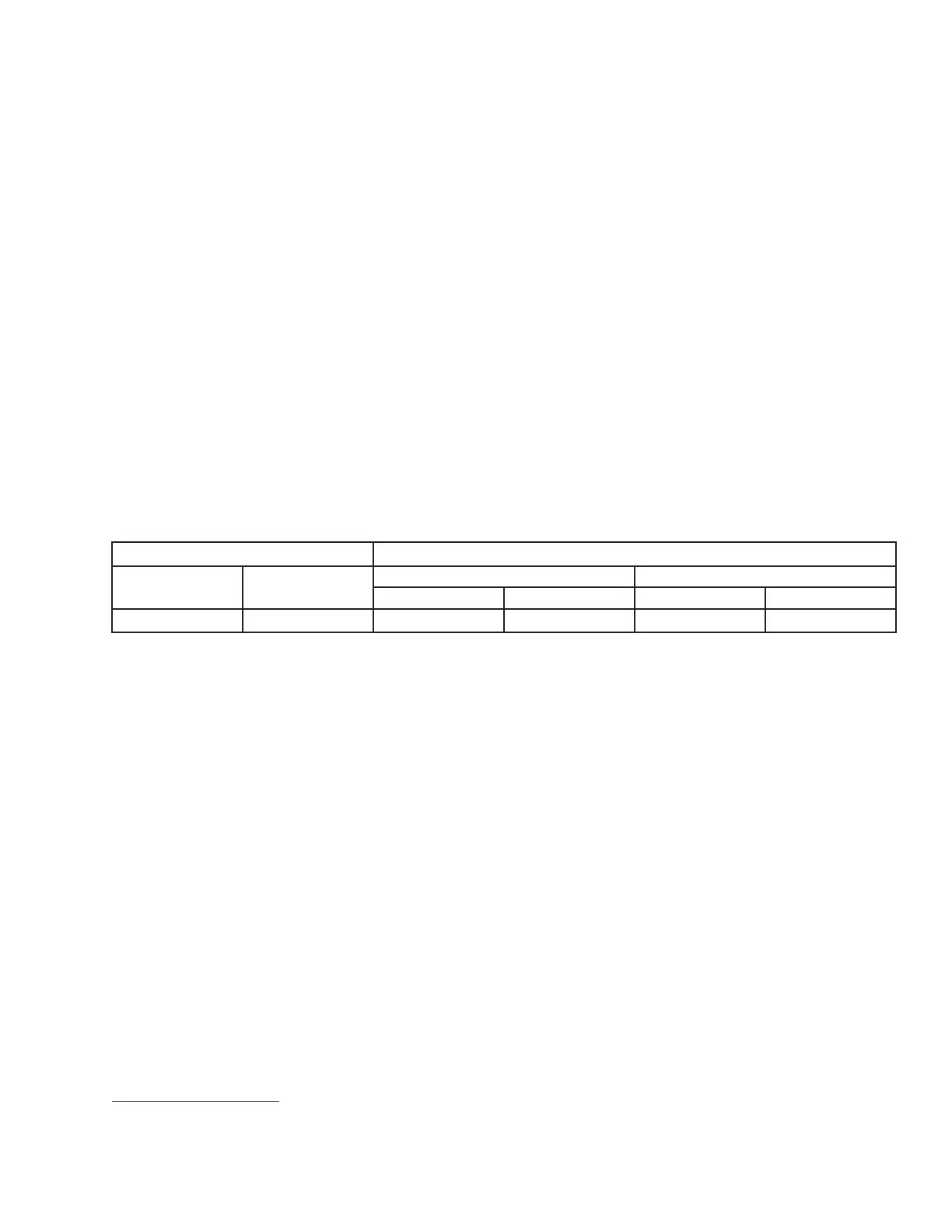
Table 5.1 A40D Auger Header Knife Speed
Header Description
Knife Speed
Type
Size
Minimum Maximum
rpm
6
spm
7
rpm
6
spm
7
Auger A40D
All
700 1400 975 1950
PERFORMING PREDELIVERY CHECKS
6. rpm = speed of knife drive box pulley (revolutions per minute)
7. spm = strokes per minute of knife (rpm x 2)



 To Next Page