262335 124 Revision A
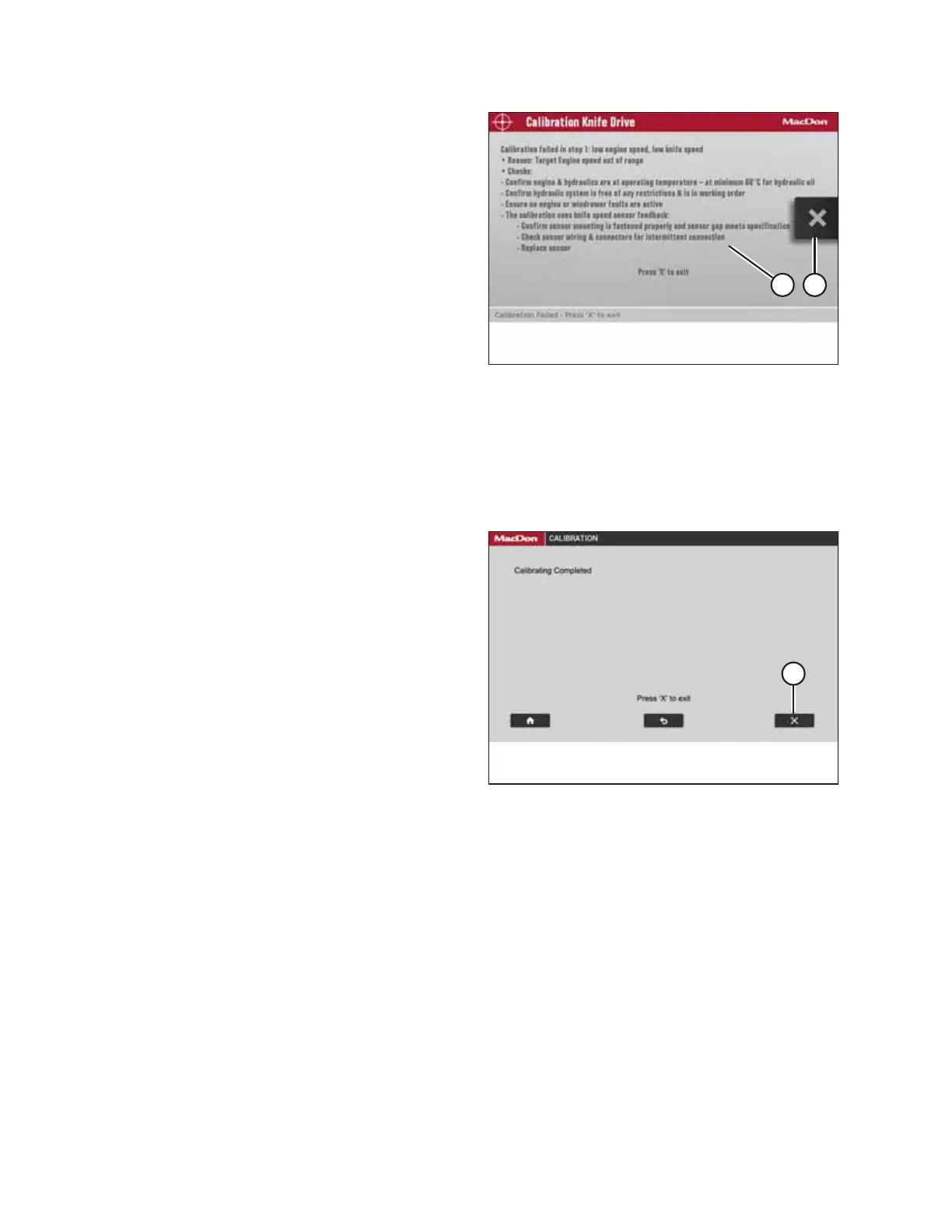
Figure 5.59: Calibration Page
NOTE:
If error message (A) appears during the calibration process,
follow the instructions in the message to fix the error. Select
X icon (B) to exit the message. If the knife calibration
process fails:
• Confirm that the engine and the hydraulics are at
operating temperature.
• Confirm that the hydraulic system is free of any
restrictions and is in working order.
• Confirm that the throttle is working:
– Check the engine codes to confirm that the engine is
not derated or throttle-inhibited.
– The throttle is controlled via the powertrain’s CAN
network 1. Check the network’s wiring and connectors for an open or intermittent connection.
• Confirm that the sensor mounting is secured properly and that the sensor’s gap is set correctly.
• Check the sensor wiring and connectors for an intermittent connection.
• Replace the sensor.
Figure 5.60: Calibration Page
10. Once the calibration process completes all nine stages, the
message CALIBRATING COMPLETED appears. Select X
icon (A) to exit the page.
PERFORMING PREDELIVERY CHECKS



 To Next Page