262335 127 Revision A
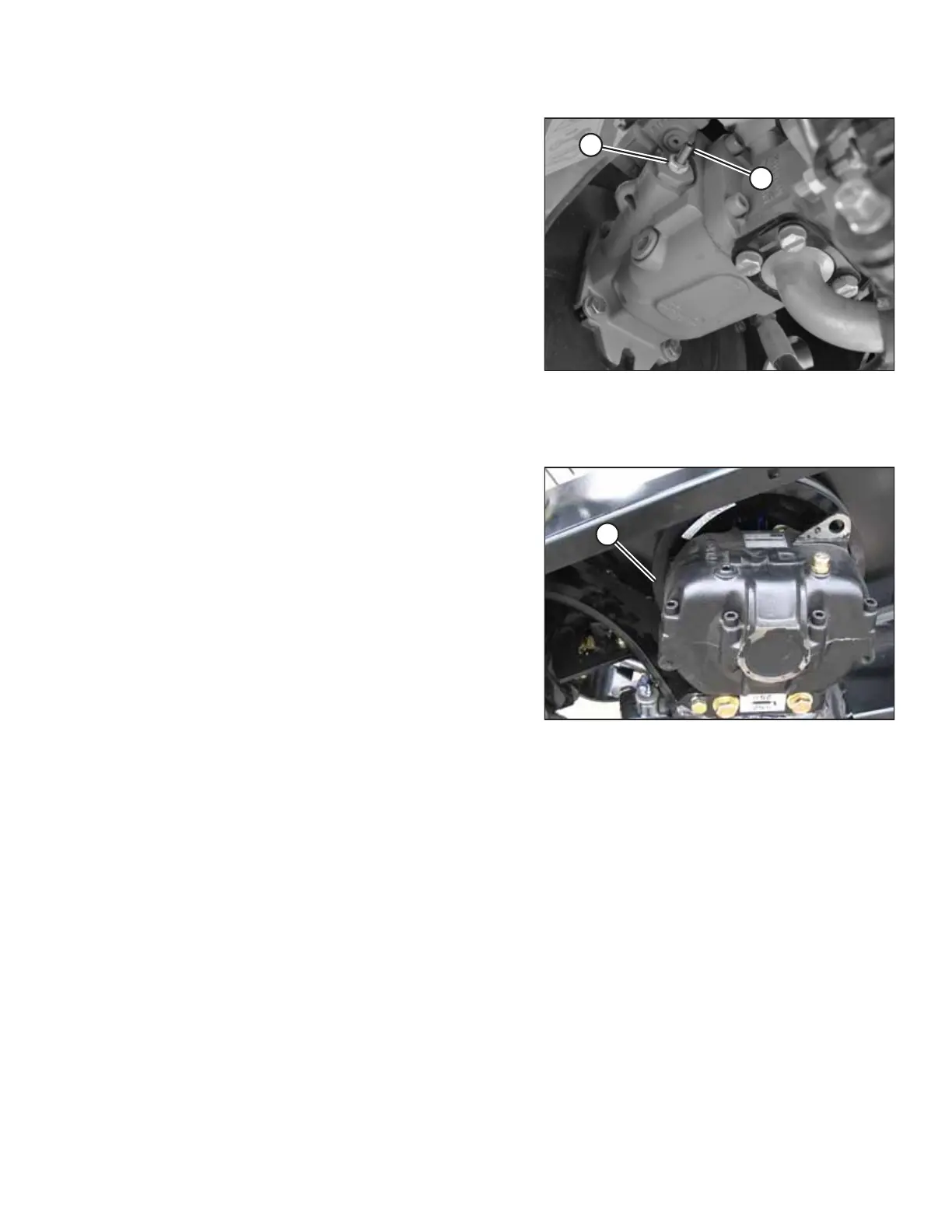
Figure 5.63: Knife Speed Adjuster Screw
7. Loosen jam nut (A).
8. Turn adjuster screw (B) clockwise (screw in) to decrease
knife speed, and counterclockwise (screw out) to increase
the knife speed.
NOTE:
One turn of adjuster screw (B) will change the knife speed
by approximately 116 spm, or the knife drive box pulley
speed by 58 rpm.
9. Once adjustment has been made, torque jam nut (A).
10. Close hood, start engine, and recheck knife speed.
Setting Knife Speed without Expansion Module (B4666)
Figure 5.64: Knife Drive Box on Header
1. Check header knife drive box pulley speed with a handheld
tachometer.
2. Multiply the rpm reading by two to obtain the knife speed
in strokes per minute.
3. Compare reading to Table 5.1, page 125.
4. If required, adjust knife speed. Refer to Step 4, page 126 to
Step 10, page 127.
PERFORMING PREDELIVERY CHECKS



 To Next Page