262335 11 Revision A
Chapter 3: Assembling the Machine
Once all unloading procedures have been completed, it is time to set up the machine. Follow each procedure in this
chapter in order.
3.1 Removing Underside Shipping Stand
CAUTION
Keep feet clear when removing final bolts.
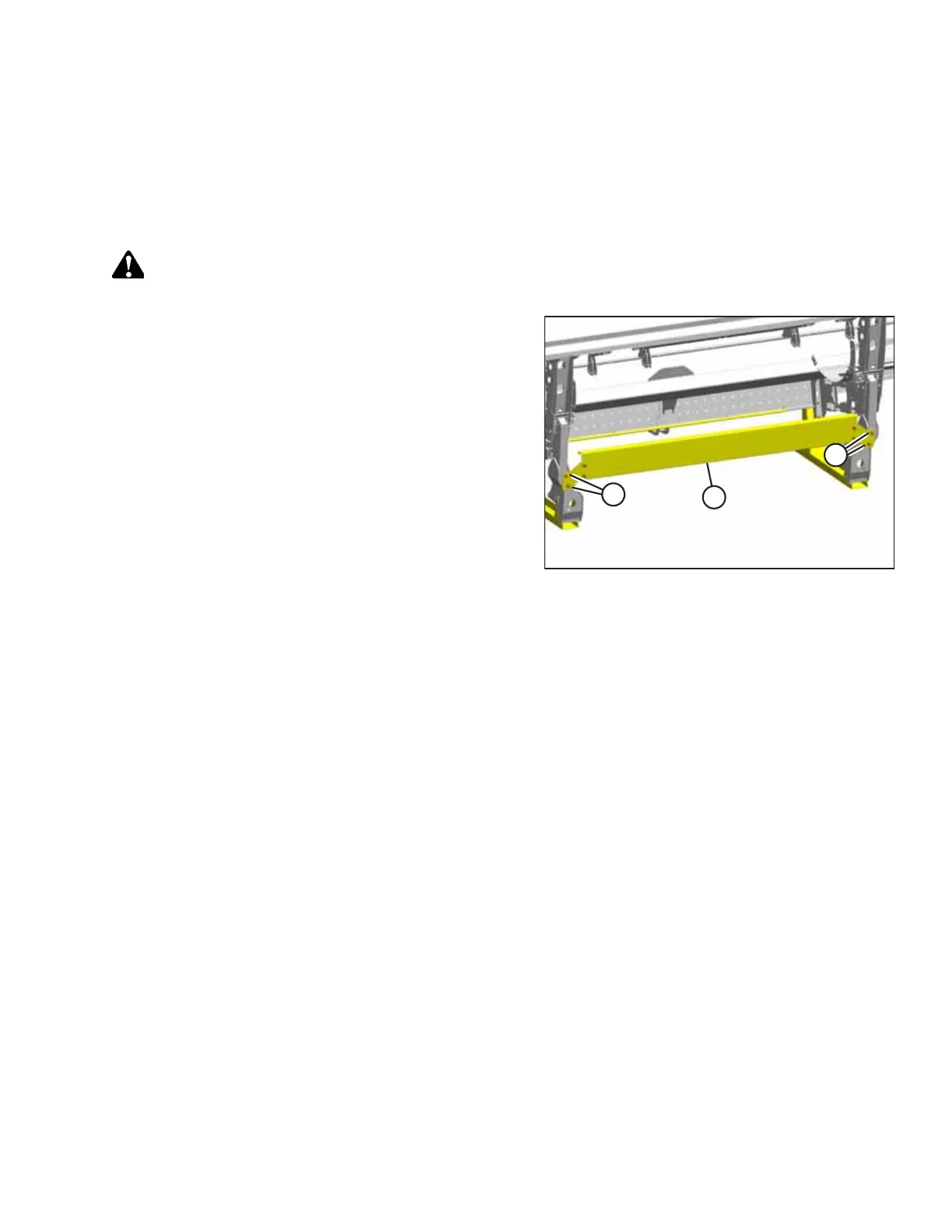
Figure 3.1: Underside Shipping Stand
1. Remove four bolts (A) and remove shipping stand (B).
Discard the stand and hardware.



 To Next Page