262335 10 Revision A
To unload the header, follow these steps:
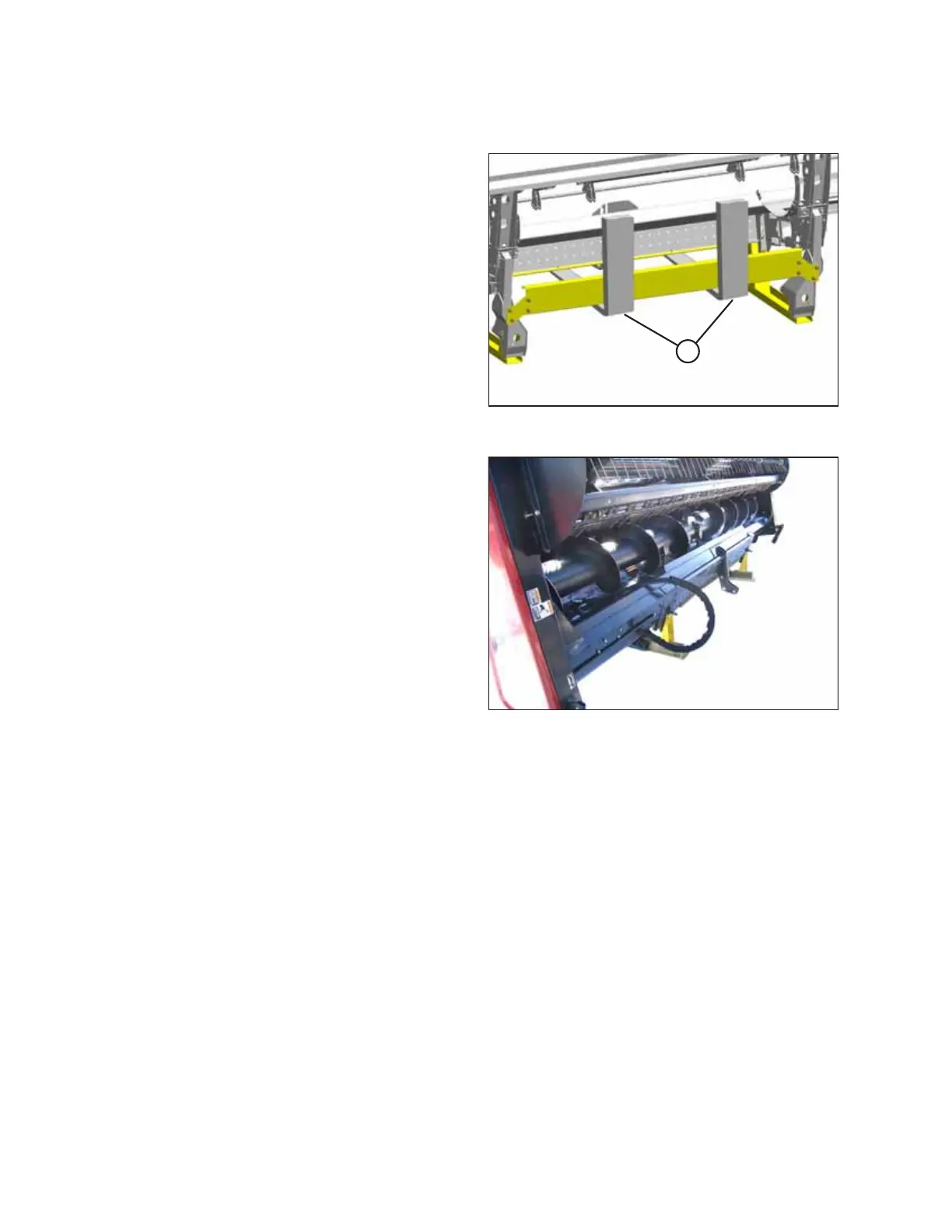
Figure 2.1: Forks in Position
1. Remove the hauler’s tie-down straps and chains.
2. With a forklift, approach the header from either its
underside or topside and slide forks (A) in underneath the
lifting framework as far as possible.
IMPORTANT:
When possible, approach from the underside to minimize
potential for scratching the unit.
3. Raise the header off the deck.
IMPORTANT:
If there are two headers on the flatbed, take care not to
contact the other machine while unloading.
Figure 2.2: Topside of Header in Shipping
Configuration
4. Back up until unit clears truck flatbed and slowly lower to
150 mm (6 in.) from ground.
5. Using the forklift, take the header to a designated storage
or setup area and securely set it down on the ground.
6. Repeat for the other header if required.
7. Check for shipping damage and missing parts.
UNLOADING THE MACHINE



 To Next Page