262335 25 Revision A
3.8 Installing and Adjusting Pan Extensions
Follow this procedure to install the pan extensions.
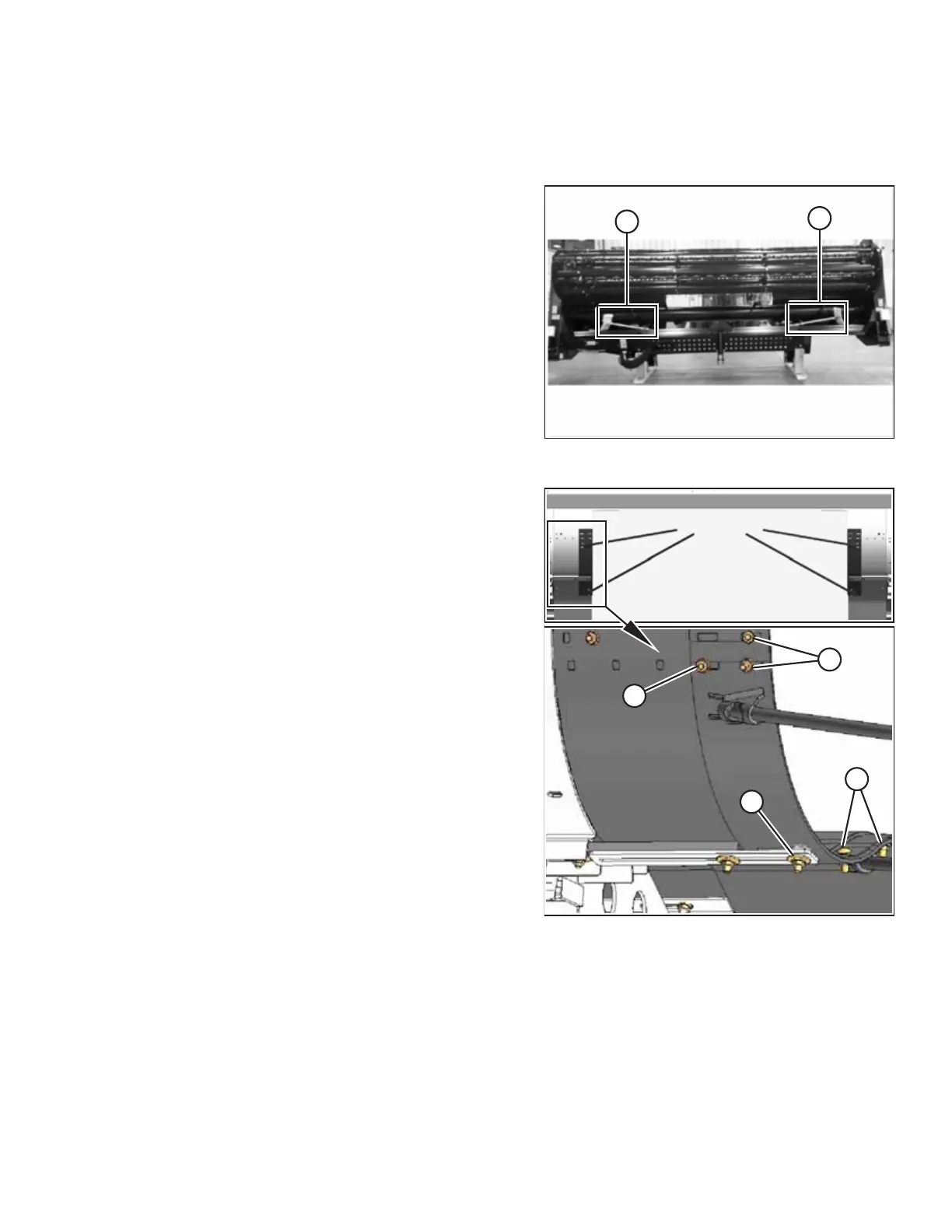
Figure 3.26: Shipping Configuration
1. Remove deflectors (A) from their shipping positions on the
header and unwrap them.
Figure 3.27: Pan Extension – Wide Setting
2. Remove nut and bolt (A), nut and washers (B), and nuts (C)
from the pan extension. Retain the hardware.
NOTE:
The illustrations in this procedure show the left pan
extension. The instructions are similar for installing and
adjusting the right pan extension.
ASSEMBLING THE MACHINE



 To Next Page