M A E D A Mini-Crawler Crane Section 4 – MOMENT LIMITER (OVERLOAD DETECTOR)
9/2020 MC285CB-3 4-71
Moment Limiter Operation
The moment limiter is a device that is installed to
prevent dropping of the suspended load or
breakage or tipping of the machine, which may
occur due to overload.
Before starting crane operations, be sure to
inspect operation of the moment limiter to make
sure that there is no abnormality.
The moment limiter calculates current rated total
load by sensing current boom posture on the
boom angle gauge and the boom length gauge,
by sensing the outrigger extension condition of
the Outrigger Position Detection Device and by
sensing the number of falls (entered by the
operator).
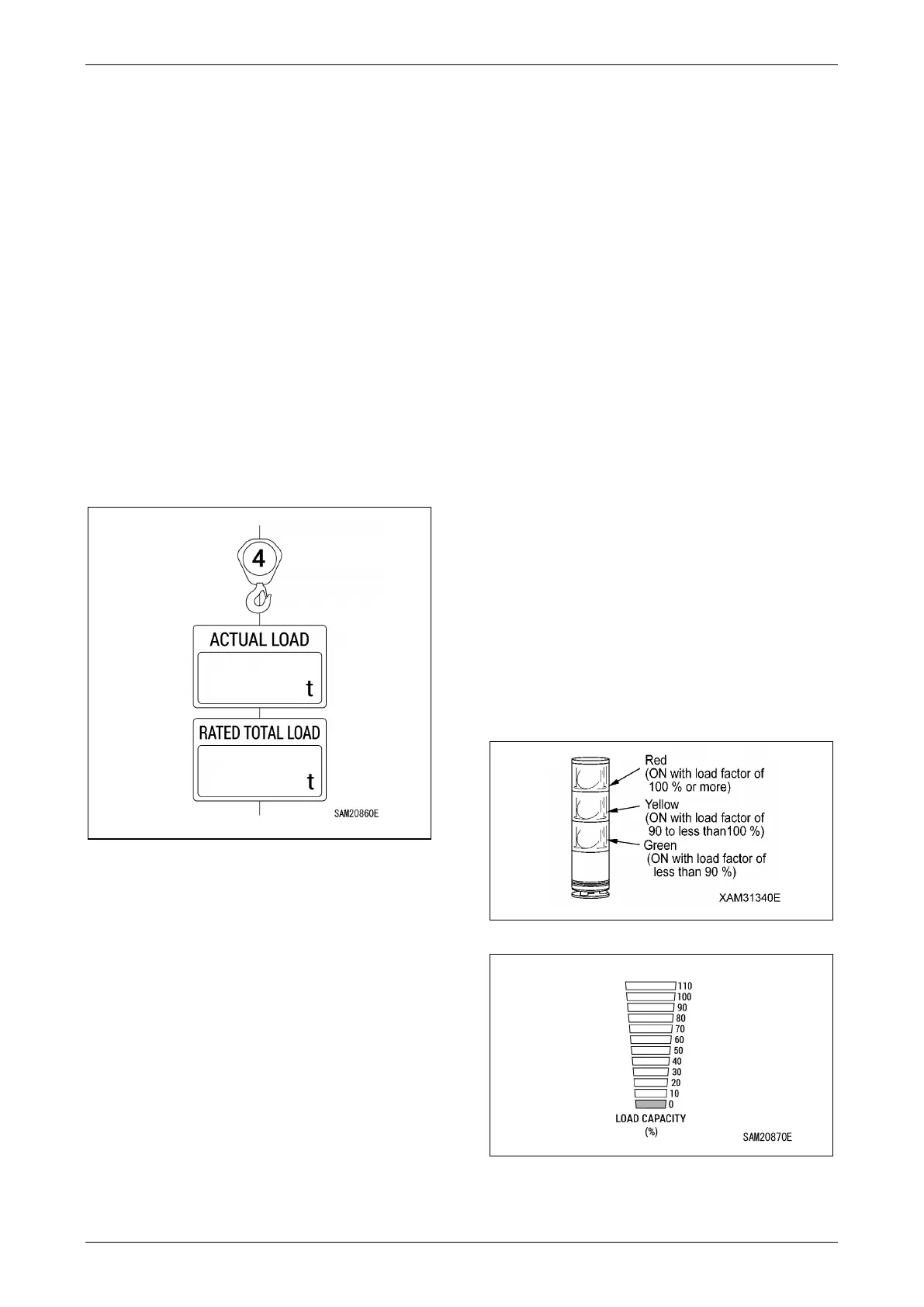
When hoisting a load, the “actual load” (hoisted
load) is sent from the pressure sensor of the
boom cylinder to the moment limiter.
Fig. 4-173
The moment limiter makes comparison and
calculation on “Rated total load” and “Actual load”
(hoisted load) that were calculated in the current
figure. Then, it issues an alarm if the result is as
follows:
“Actual load/Rated total load = 90 to 100%”.
If the calculation result is “Actual load/Rated total
load = 100% or more”, the moment limiter issues
an alarm and at the same time automatically
stops the boom operation.
Overload Alarm
A. Safety area (“Actual Load” is less than 90% of
“Rated Total Load”)
• The green colour of the Working Status
Lamp flashes.
• The load factor indicator (green) turns on.
B. Prediction alarm (“Actual Load” is 90 - less
than 100% of “Rated Total Load”)
• The yellow colour of the Working Status
Lamp flashes.
• The load factor indicator (yellow) turns on.
• The alarm generates intermittent sound
“peep”.
C. Limit alarm (“Actual Load” is greater than or
equal to 100% of “Rated Total Load”)
• The red colour of the Working Status Lamp
flashes.
• The load factor indicator (red) turns on.
• The alarm generates continuous sound
“peep”.
• Operation of the crane's danger side stops
automatically.
D. Cancelling of limit alarm automatic stop
When an automatic stop occurs, immediately
perform recovery operation.
For more information, see “Recovery Operation
after Auto-Stop” on page 4-74.
Fig. 4-174
Fig. 4-175



 To Next Page