Section 4 – MOMENT LIMITER (OVERLOAD DETECTOR) Mini-Crawler Crane M A E D A
4-82 9/2020 MC285CB-3
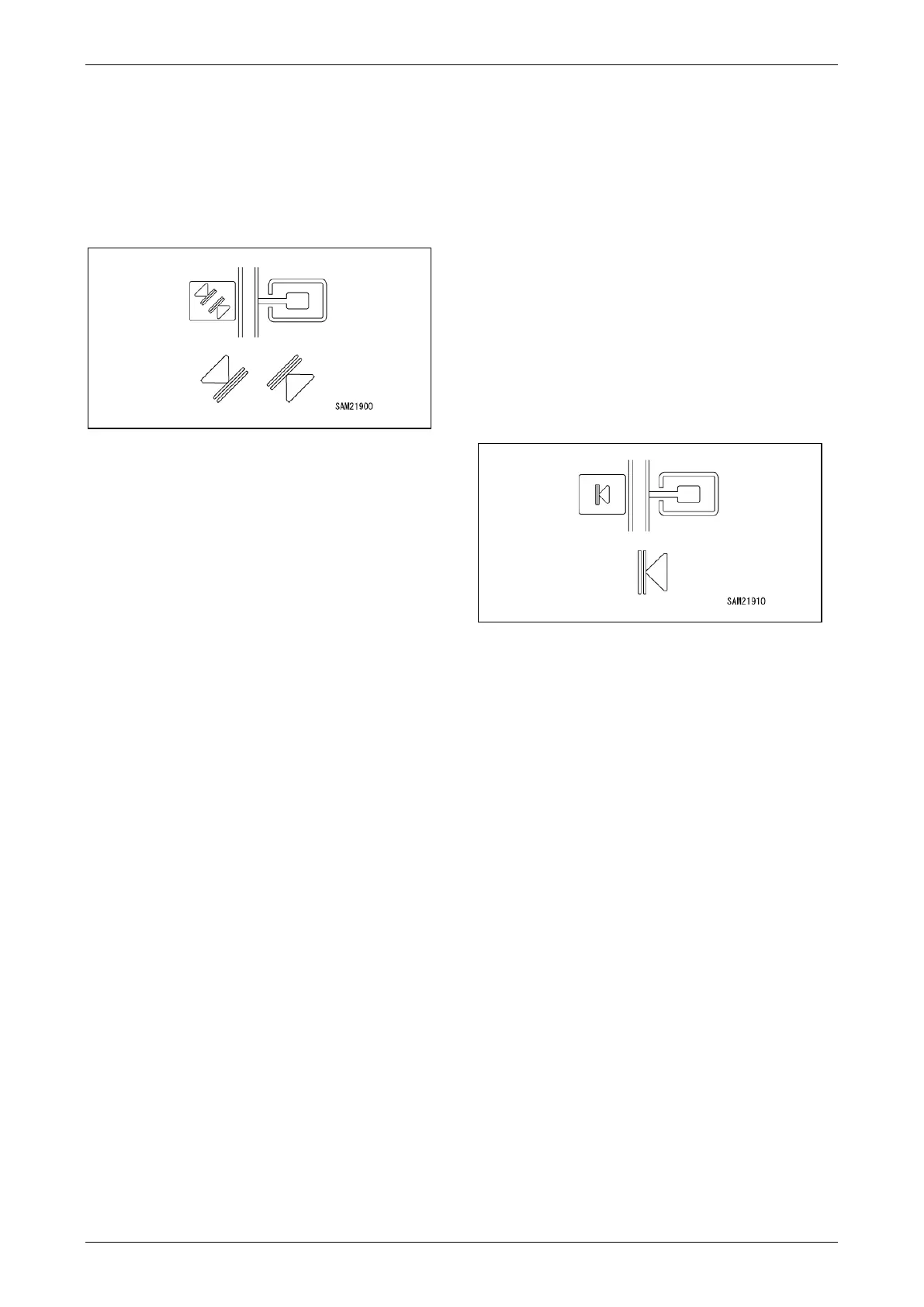
Setting or Cancelling the Boom Angle
Upper Limit Value/Lower Limit Value
When the boom is in the prediction zone or upper
limit stop position in a condition in which the boom
angle upper limit or lower limit is set, the monitor
display flashes in orange.
Fig. 4-205
Setup
Set the boom to the desired angle in a condition in
which no upper limit value and lower limit value
are set, and press the switch. The yellow display
appears and the upper limit and lower limit can be
selected. Each time the switch is pressed, the
upper limit and lower limit change. Select the
yellow indicator for the direction to be cleared and
hold the switch.
The upper limit value on the monitor display
changes to the orange colour and the boom angle
is set as the upper limit value or lower limit value.
NOTICE:
• Be sure to check, before actual work, that the
boom automatically stops at the set angle. If the
boom does not automatically stop, reset the
boom angle in the above steps.
• An alarm sounds intermittently if the boom is
raised in the prediction alarm zone when the
boom is at the upper limit. An alarm sounds
continuously if the boom is raised in the upper
limit stop position.
• An alarm sounds intermittently if the boom is
lowered in the prediction alarm zone when the
boom is at the lower limit. An alarm sounds
continuously if the boom is lowered in the lower
limit stop position.
• The set value is memorised when the starter
switch is turned to the “OFF” position.
Cancel
Press the switch in a condition in which the upper
limit value or lower limit value is set. The orange
display section can be selected in yellow. Each
time the switch is pressed, the selection changes.
Select the yellow indicator for the direction to be
cleared and hold the switch. The monitor display
changes to the blue colour and the upper limit
value or lower limit value setting is cancelled.
Setting or Cancelling the Upper Limit
Value of the Working Radius
When the boom is in the prediction zone or upper
limit stop position in a condition in which the
working radius upper limit is set, the monitor
display flashes in orange.
Fig. 4-206
Setup
Set the boom to the desired working radius in a
condition in which no upper limit value is set, and
press and hold the switch.
The upper limit value on the monitor display
changes to the orange colour and the working
radius is set as the upper limit value.
NOTICE:
• Be sure to check, before actual work, that the
boom automatically stops at the set working
radius. If the boom does not automatically stop,
reset the working radius in the above steps.
• An alarm sounds intermittently if the boom is
lowered or extended in the prediction alarm
zone. An alarm sounds continuously if the boom
is lowered or extended in the upper limit stop
position.
• The set value is memorised when the starter
switch is turned to the “OFF” position.
Cancel
Press and hold the switch in a condition in which
the upper limit value is set. The monitor display
changes to the blue colour and the upper limit
value or lower limit value setting is cancelled.



 To Next Page