Section 4 – BATTERY HANDLING Mini-Crawler Crane M A E D A
4-84 9/2020 MC285CB-3
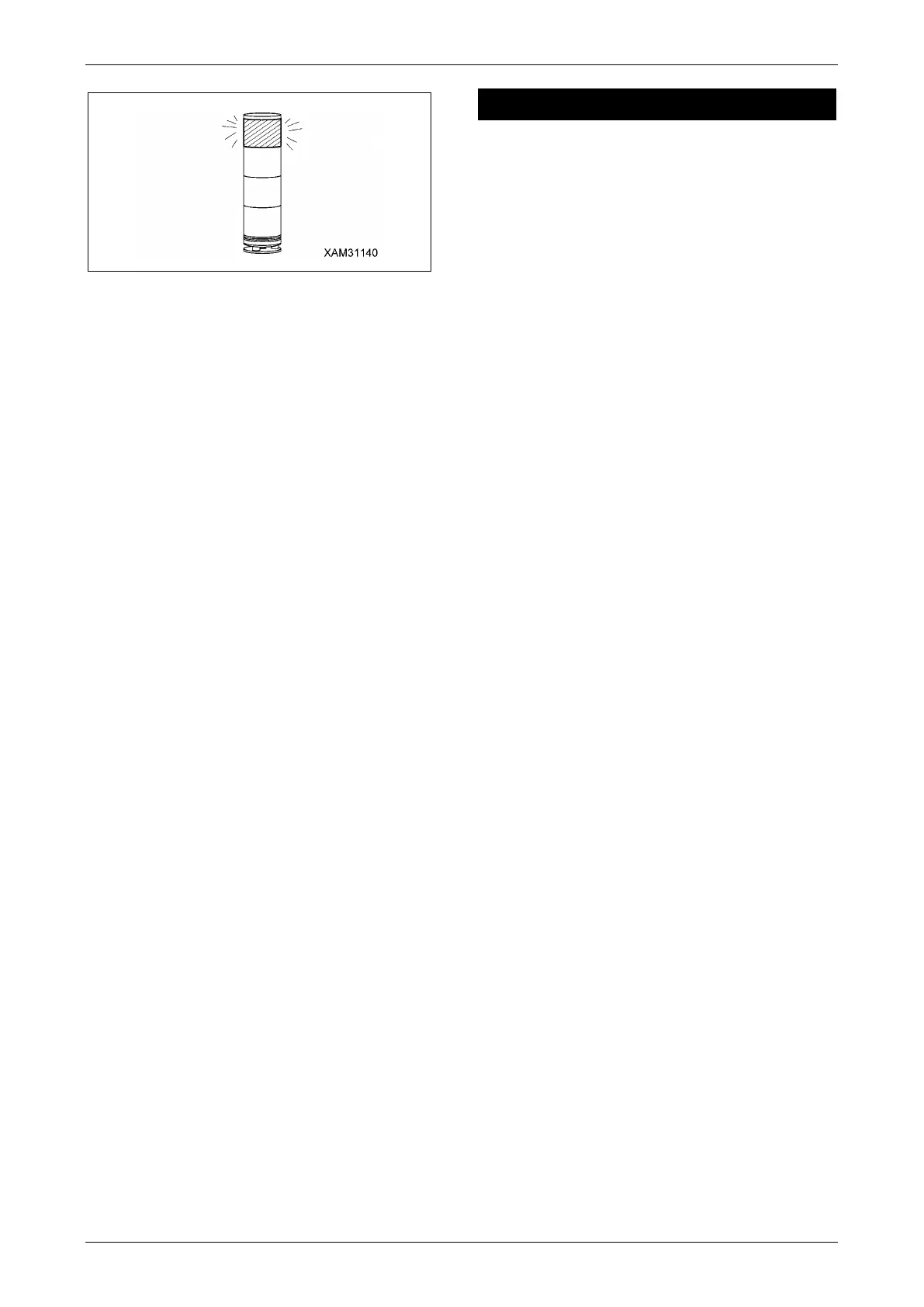
Fig. 4-209
To Override the Moment Limiter System:
• The moment limiter override switch box is
located inside the machine cover. Furthermore,
it is installed in a place away from where the
machine is operated.
• KEY TO "ON" POSITION = OVERRIDE Insert
the OVERRIDE KEY into the moment limiter
override switch box. Turn the key clockwise
(right) to "ON" position. (The spring-loaded
switch automatically returns to the "OFF"
position when you release the key). Now the
system is in OVERRIDE. ALL safety features,
ALL limits and ALL automatic stops of the
Moment Limiter system are INACTIVE &
DISABLED for a total of 3 minutes.
• The moment limiter override switch box LED
light will illuminate solid for 2-1/2 minutes, then it
will flash for the last 30 seconds of OVERRIDE.
• The Working status light will flash RED during
• OVERRIDE.
• The Moment Limiter warning buzzer /alarm will
sound intermittently for 3 minutes.
• The Moment’s Limiter’s Crane Operation Top
Screen will display the warning "Overriding/Turn
starter key off to reset" for 3 minutes.
• Crane functions boom extend, and boom
lowering will be limited in speed to 20% of
normal speed during OVERRIDE.
• To discontinue OVERRIDE, at any time under 3
minutes, turn the starter key to OFF shutting
down the machine. Restart the machine as
normal, and the Moment Limiter system will
commence with normal start up sequence.
BATTERY HANDLING
DANGER! The following points must be
strictly observed to prevent fire:
• Keep the battery away from open flames.
• Do not heat or throw the battery onto a fire.
• Do not leave the battery in a hot location for
extended periods.
• Do not charge the battery except using the
specified voltage. There is a risk of fire if
charged at an excessive voltage.
• Do not allow static electricity to be
generated in the vicinity. There is a risk of
ignition or explosion due to static electricity.
• Do not solder the terminals.
The following points must be strictly observed
to prevent electric shock:
• Do not unplug the power plug by pulling on
the cable.
• Do not open the charging port cover except
when charging.
• Unplug the charging cable except when
charging.
• Do not touch with wet hands.
• Do not touch parts inside the machine when
the power plug is plugged in.
• Do not charge in rainy weather.
The following points must be strictly observed
when handling the battery terminals:
• Do not touch the positive or negative
terminals with bare hands. Wear insulating
gloves when handling the terminals.
• Do not allow a short circuit between the
positive and negative terminals. Otherwise
there is a risk of damage to electronic
components or of burn injuries from
overheated components.
• Do not connect the positive and negative
terminals in reverse. Otherwise there is a
risk of damage due to fluid leakage,
overheating, rupture, or fire.



 To Next Page